
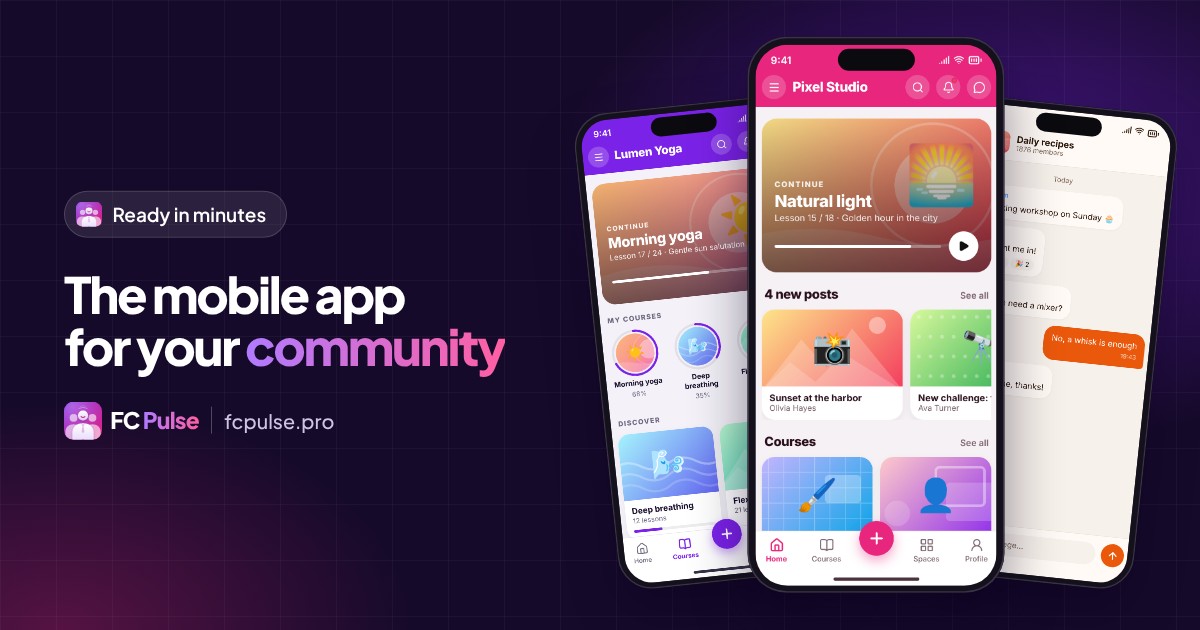
Your community already lives on Fluent Community. Giving it a real mobile app takes a few minutes, in your colors, with your content and your members just as they are. Here is the step-by-step guide.
Your members read you between two meetings, on the train, in the evening on the couch. Their phone is the first place they meet your community.
An app gives them direct access, an icon on their home screen and your announcements at the right moment. With Fluent Community and FC Pulse, you build it yourself, from WordPress.
What your members expect from a community app
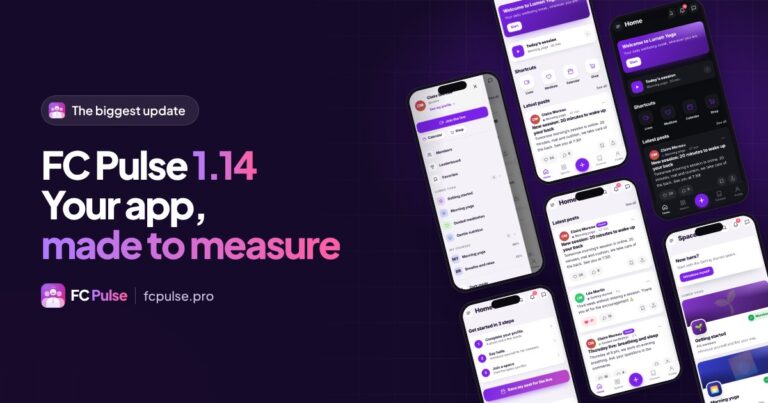
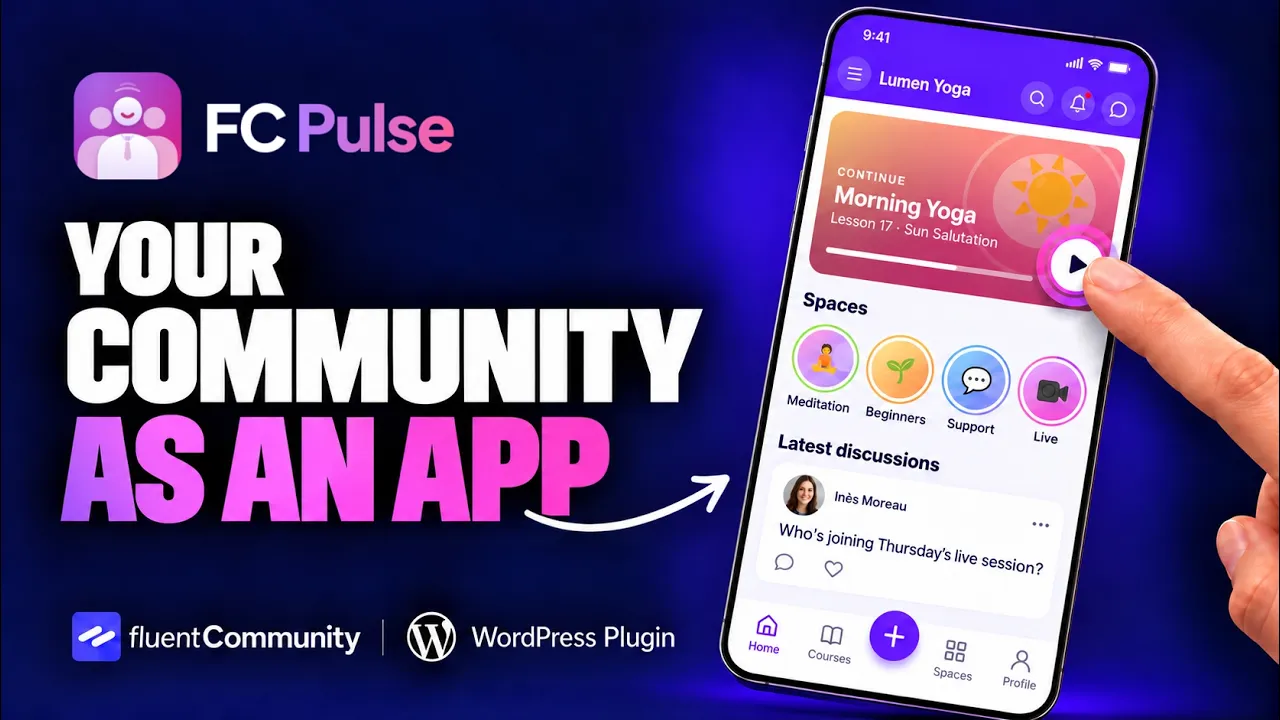
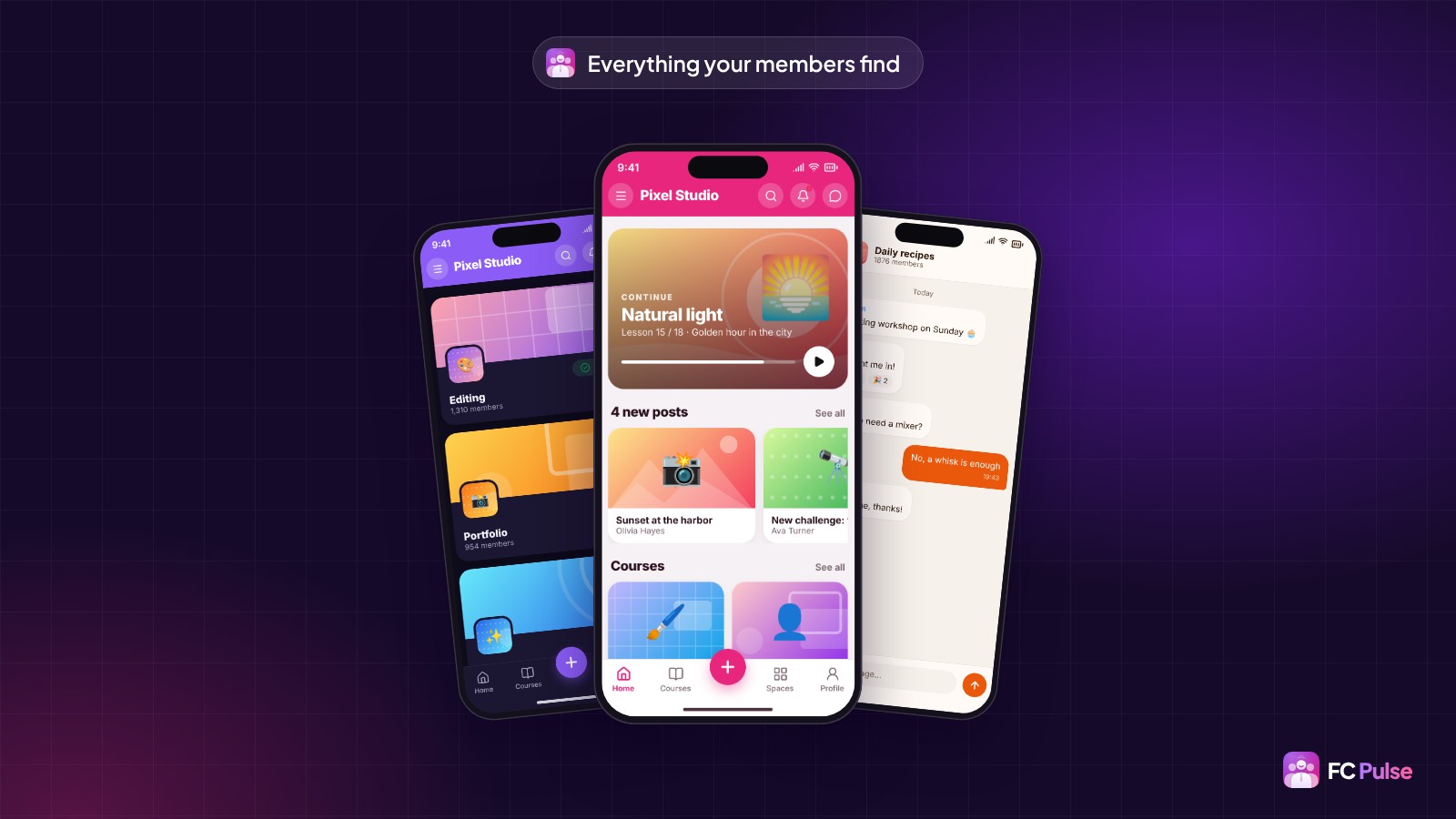
A good community app is easy to spot: members do everything without going back to the website. In the FC Pulse app, your members find:
- the Activity feed and the latest posts,
- spaces and their chat, with photos, GIFs and reactions,
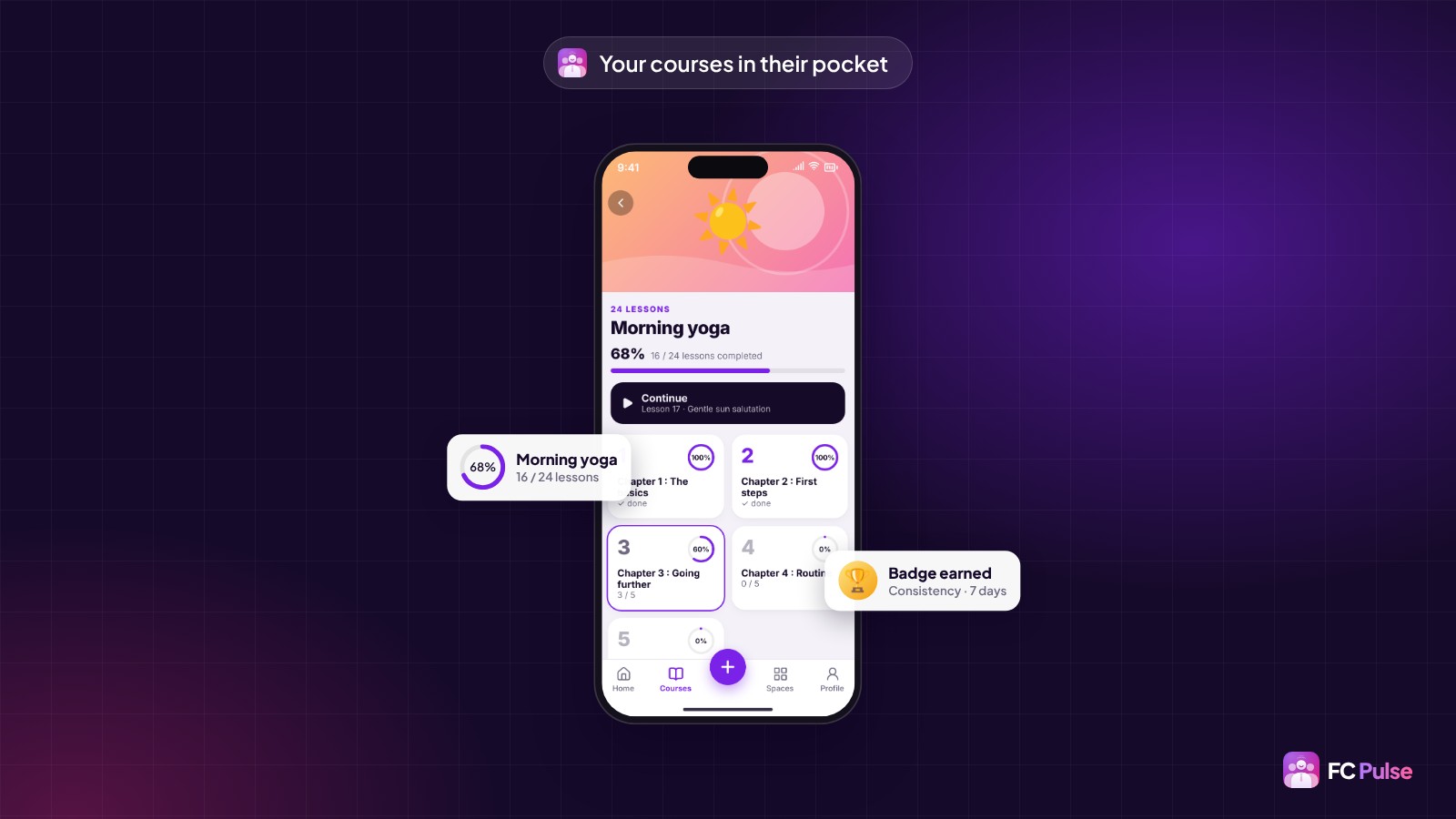
- courses, with their progress,
- private messages, their profile, search and the leaderboard,
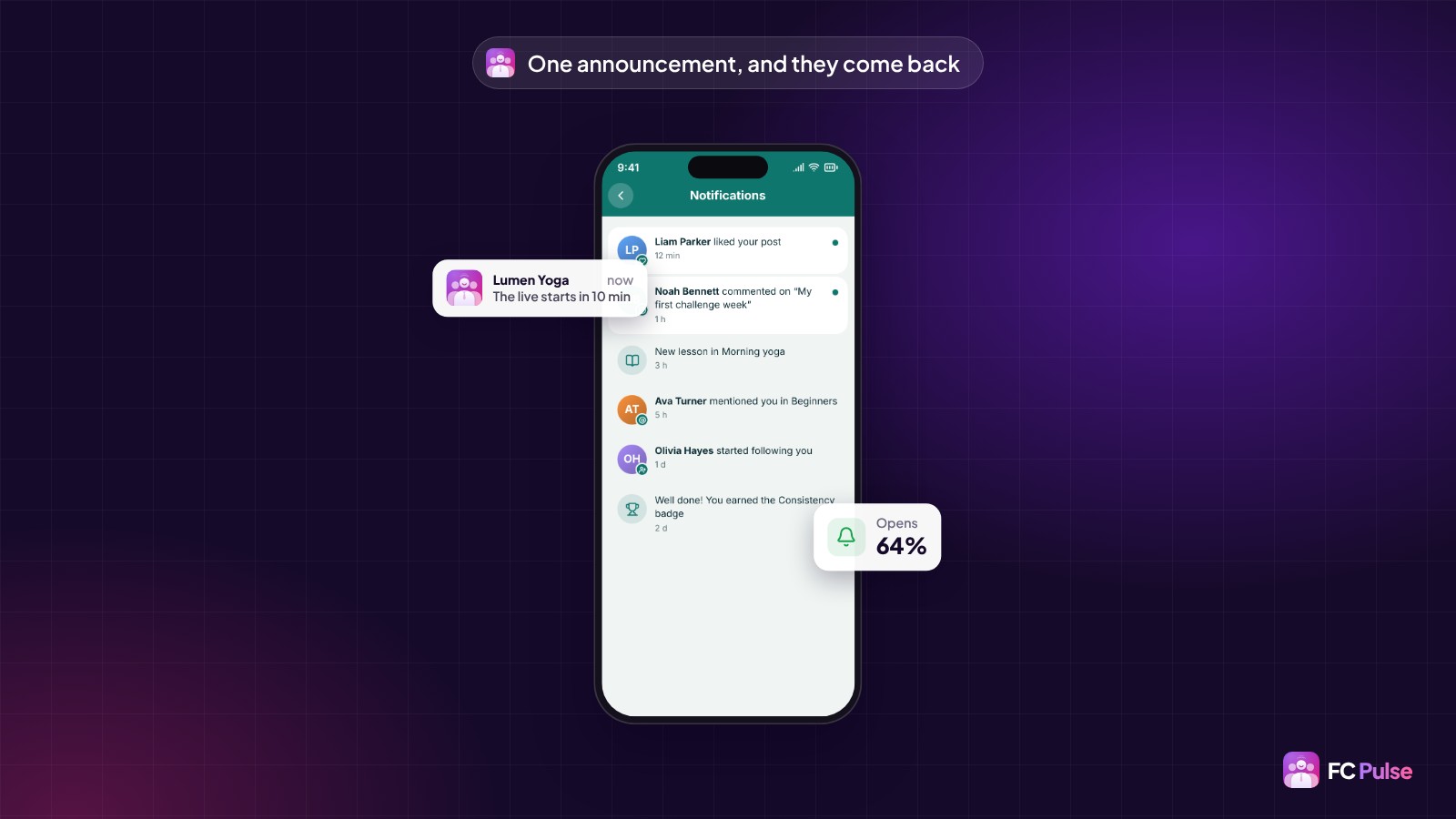
- their notifications, which open the right post directly.
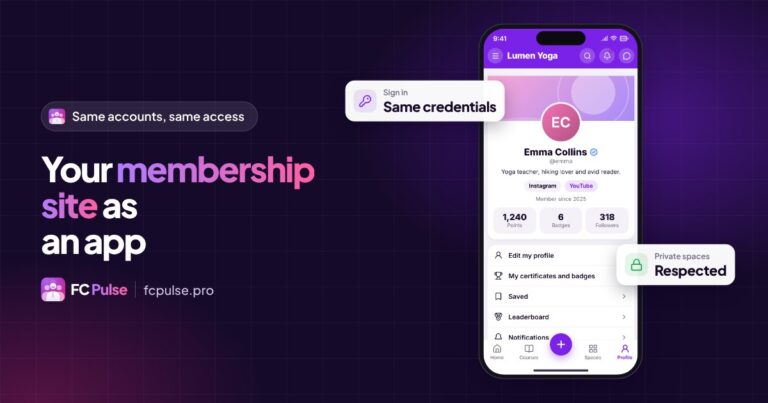
The app follows your Fluent Community settings: private spaces, messages, members, moderation. What you change in Fluent Community shows up in the app.
Web, home screen or app stores: three formats for your mobile app
Your community can open in three ways on a phone, and FC Pulse covers all of them:
- In the browser, at your community’s usual address, with the new mobile interface.
- On the home screen, as a PWA (Progressive Web App): an icon, full screen, no app store involved. FC Pulse guides your members step by step, with a QR code to scan from the computer.
- On the App Store and Google Play, under your name, with Maymoune: your community becomes a real iPhone, iPad and Android app, and FC Pulse connects to it as a module.
You can start with the home screen and move to the app stores as your community grows. Your members keep the same experience from one format to the next.
Create the mobile app for your Fluent Community in 4 steps
1. Install FC Pulse
FC Pulse installs like any WordPress plugin, next to Fluent Community, with SdravoCore, its free foundation. You paste your two license keys and FC Pulse connects to your community, just as it is. One minute is enough, and nothing needs to change.
2. Pick a template and your colors
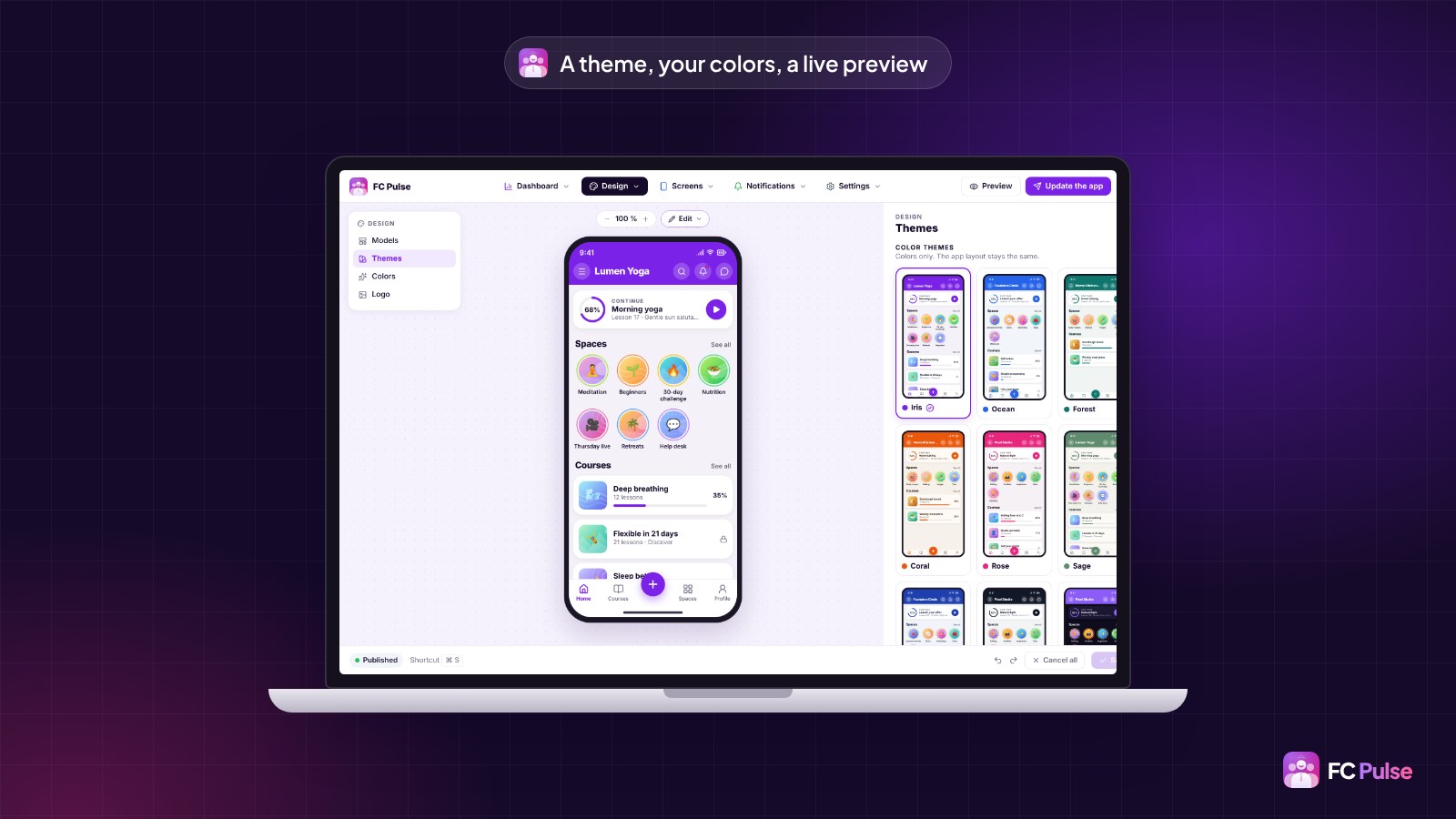
You start from one of the 8 complete templates and one of the 11 themes, then adjust each color and add your logo. The phone preview, right next to it, follows every setting. The themes and templates are on the home page.
3. Build the app’s home page
The home page is made of blocks you drag into the order you want: current course, spaces, latest posts, videos, links. The builder also adds your WordPress articles, your Fluent Player videos, your podcasts and your YouTube playlists in one click.
4. Turn on the mobile layer and invite your members
One switch, when you are ready. Your Fluent Community stays intact, your data stays on your site. Your members open the community as usual and FC Pulse invites them to install the app on their home screen.
Keep the app alive every day
Once the app is live, three settings make the difference:
- Courses. Each member sees their progress, picks up where they left off and celebrates every completed lesson. At the end, a certificate and a badge to share on LinkedIn.
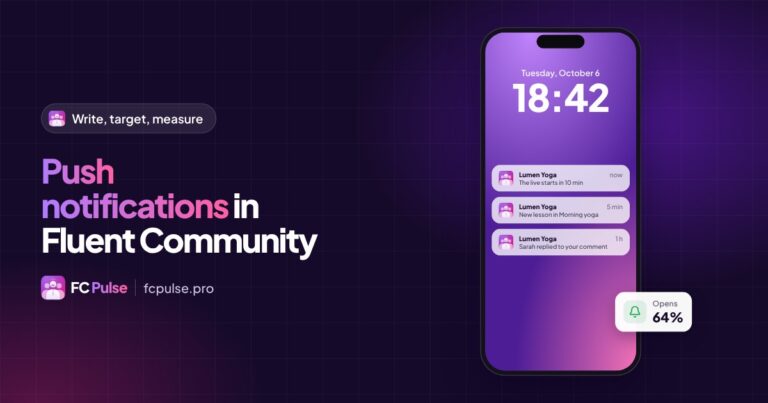
- Push notifications. An announcement right away, a scheduled send or an automatic notification for every new lesson, new post or mention.
- The dashboard. App opens, active members, notification subscribers: you see how your community lives on mobile.
And if you work for clients, white label puts your name and logo in the app and in the admin.
Your community deserves to feel as good on a phone as it does on a computer. The first FC Pulse licenses are available at Founder pricing.
Founder offer
Your community app, ready today
A lifetime license, at Founder pricing, for the launch period.
✓ Installed in one minute, no code
✓ 8 templates, 11 themes, your colors
✓ Courses, chat and push notifications
✓ Your data stays on your site
To go further, read why I built FC Pulse, slide through the mobile before and after, or browse the FAQ.
To follow what’s new in FC Pulse and talk with other users, join the FC Pulse community on Sdravobiz.
Frequently asked questions
Do I need to know how to code to create the app?
No. Everything is set up from the WordPress admin: a theme, your colors, blocks to drag, one switch to turn the app on.
Do my members have to download the app from a store?
They don’t have to. They open your community at its usual address and can install it on their home screen as a PWA. For an app in the stores, under your name, FC Pulse connects to Maymoune.
Are my spaces, courses and members included?
Yes, just as they are. FC Pulse reads your Fluent Community: spaces, courses, members and settings stay the same.
Can I put my name and logo in the app?
Yes. The app carries your logo, your colors and your community’s name. White label is set up in the admin.
Where is my members’ data stored?
On your site. FC Pulse runs on your WordPress, with your host. Your members, their posts and their conversations stay on your server.
How much does FC Pulse cost?
FC Pulse comes with a lifetime license, no subscription, updates and support included. During the launch, the Founder offer brings its lowest price, for a limited time. Every plan is on the Founder pricing page.