
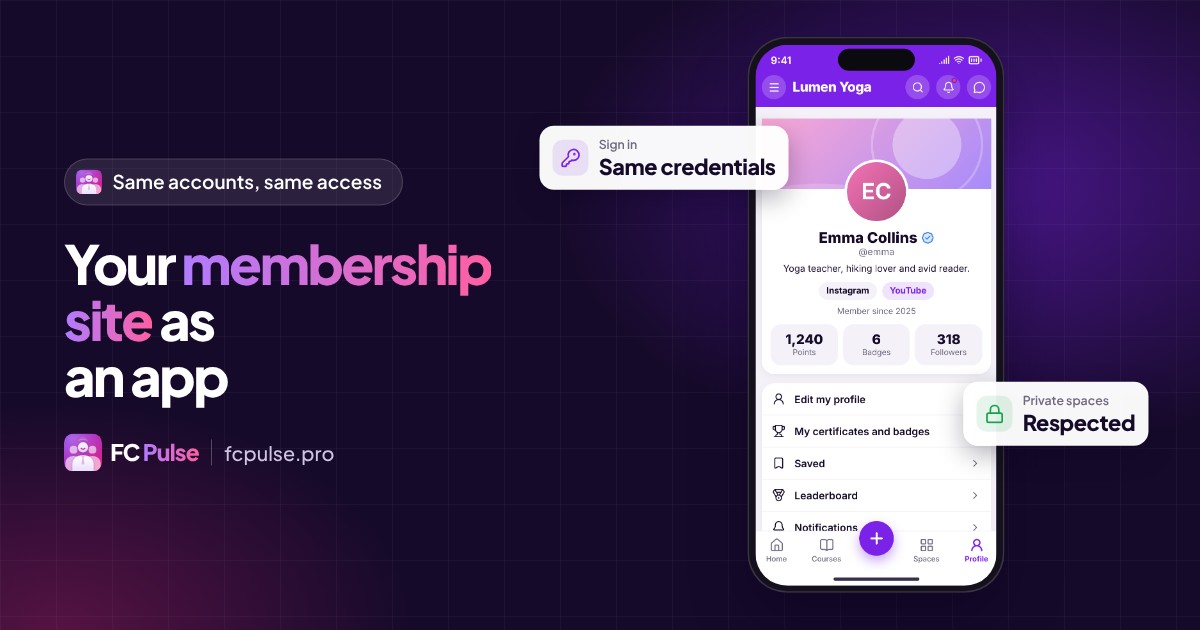
Your members have an account, access rights, exclusive content. Their app should recognize them right away, without asking them for anything again.
A membership site lives on its visits. The more your members come back, the more they enjoy what they paid for, and the longer they stay.
The hard part is the path: finding the address, signing in again, looking for the right space. An app shortens all of that to one tap.
What a membership site app must keep
- Accounts: each member signs in with their usual credentials.
- Access: a private space stays private, exclusive content stays exclusive.
- Content: spaces, courses, posts, messages.
- What’s new: new content should get noticed, without waiting for the next visit.
If one of these four pieces is missing, the app becomes a second site to manage. If they are all there, it is your membership site, in their pocket.
The same credentials as on your site
With Fluent Community on WordPress, your members already have an account. FC Pulse builds on it: they sign in to the app with the same credentials as on your site. Nothing to sign up for again, no duplicate accounts to manage.
It is also true in an app under your name on the App Store and Google Play with Maymoune: FC Pulse brings members direct sign-in to their community.
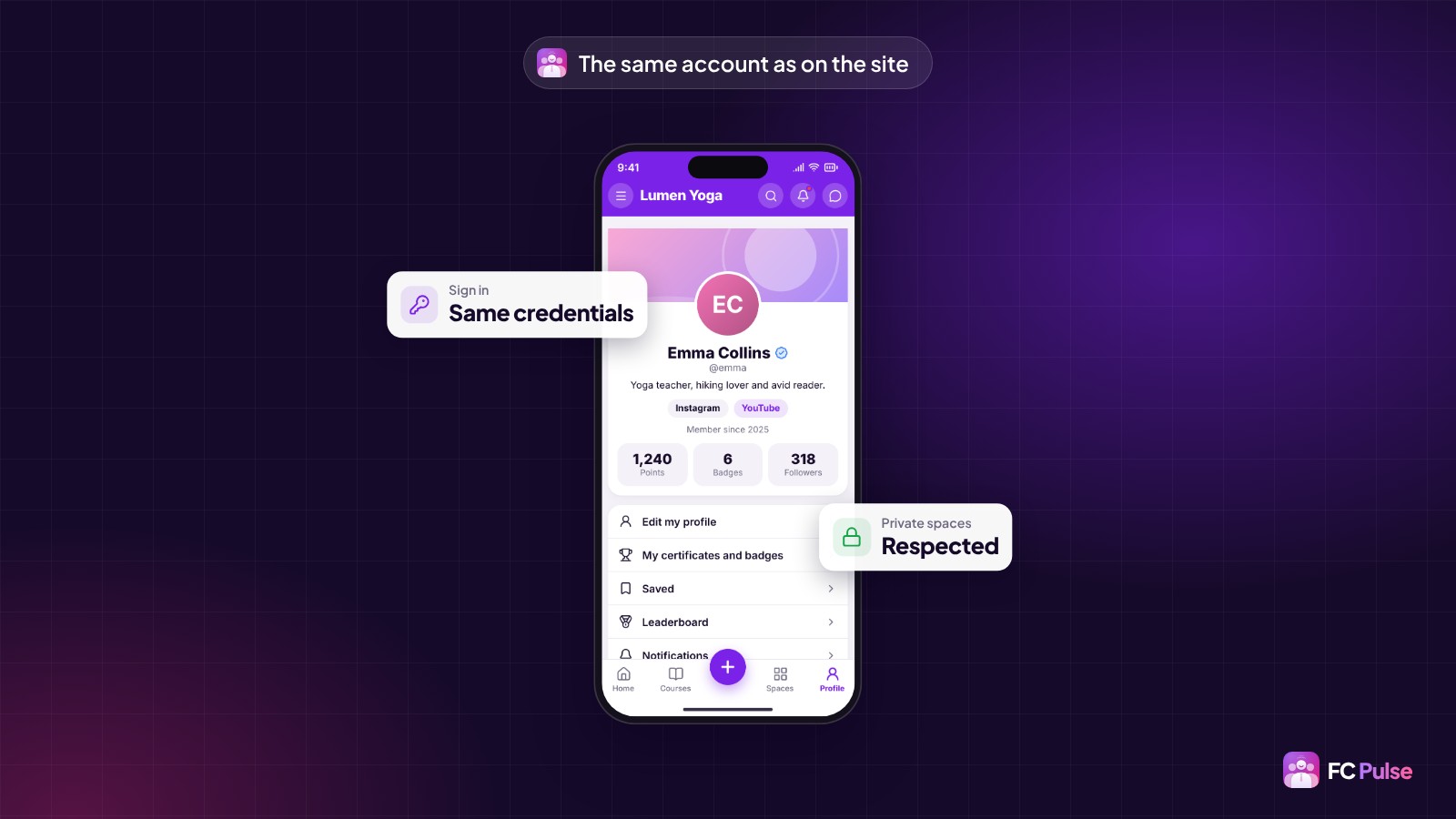
Your private spaces and access, respected
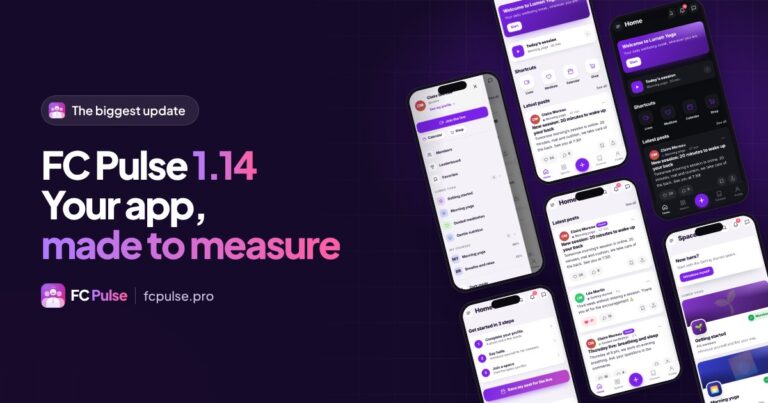
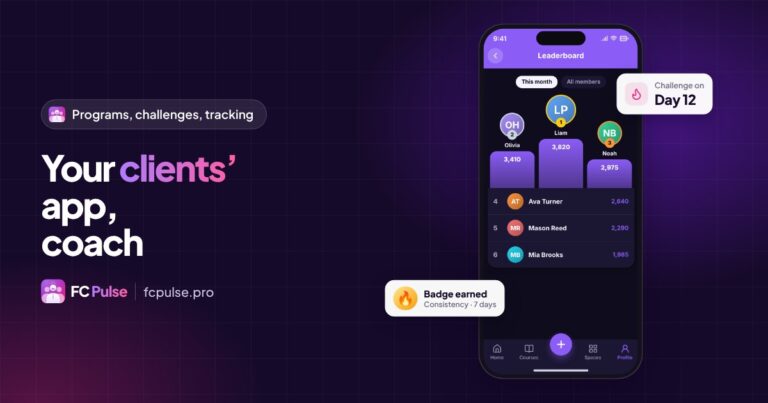
The app reads your Fluent Community settings: private spaces, messages, members, leaderboard and moderation. What you change in Fluent Community shows up in the app. Nothing needs to be set twice.
So each member finds their spaces, their courses and their conversations, and only the ones they have access to.
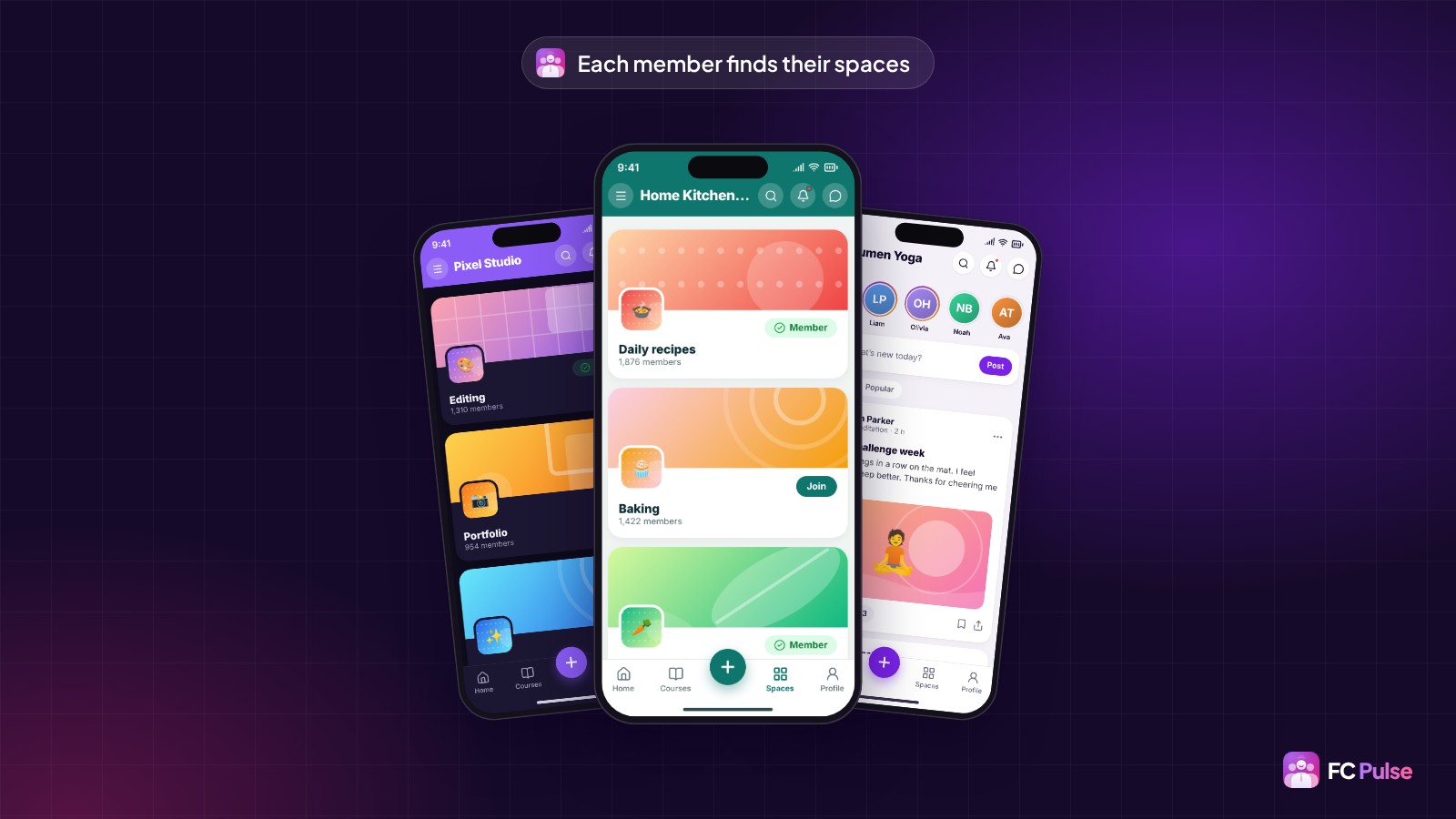
What’s new reaches their phone
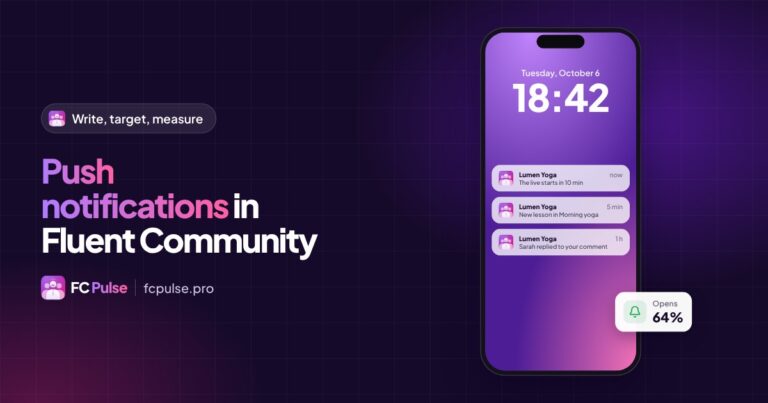
A new post, a new lesson, a reply to a comment: push notifications go out automatically, and one tap opens the right content. You can also write your own announcements, target them and schedule them.
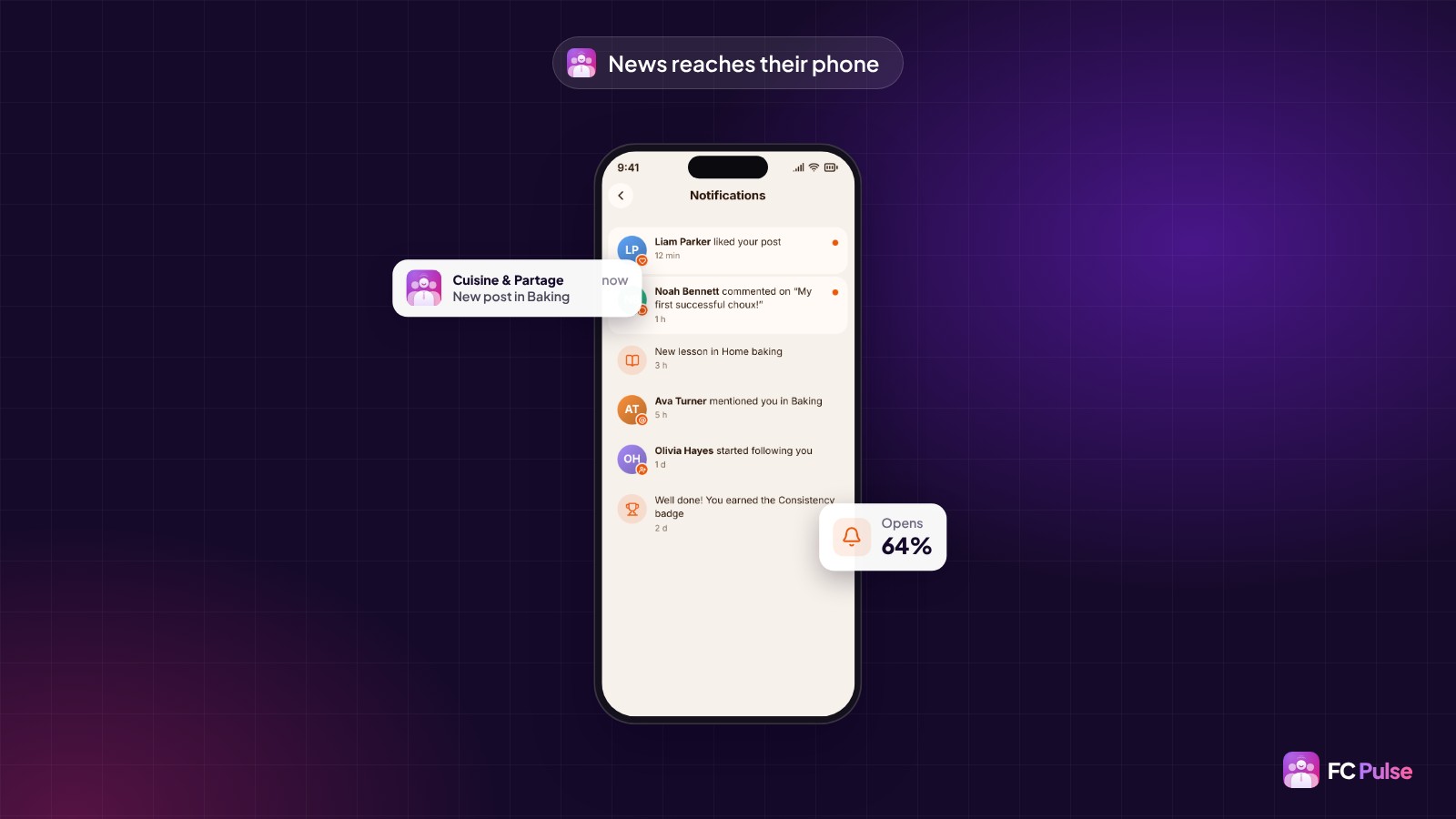
Measure what the app changes
The FC Pulse dashboard shows app opens, active members, notification subscribers and the open rate. You see where your members come from: in the app, in the browser or from the home screen.
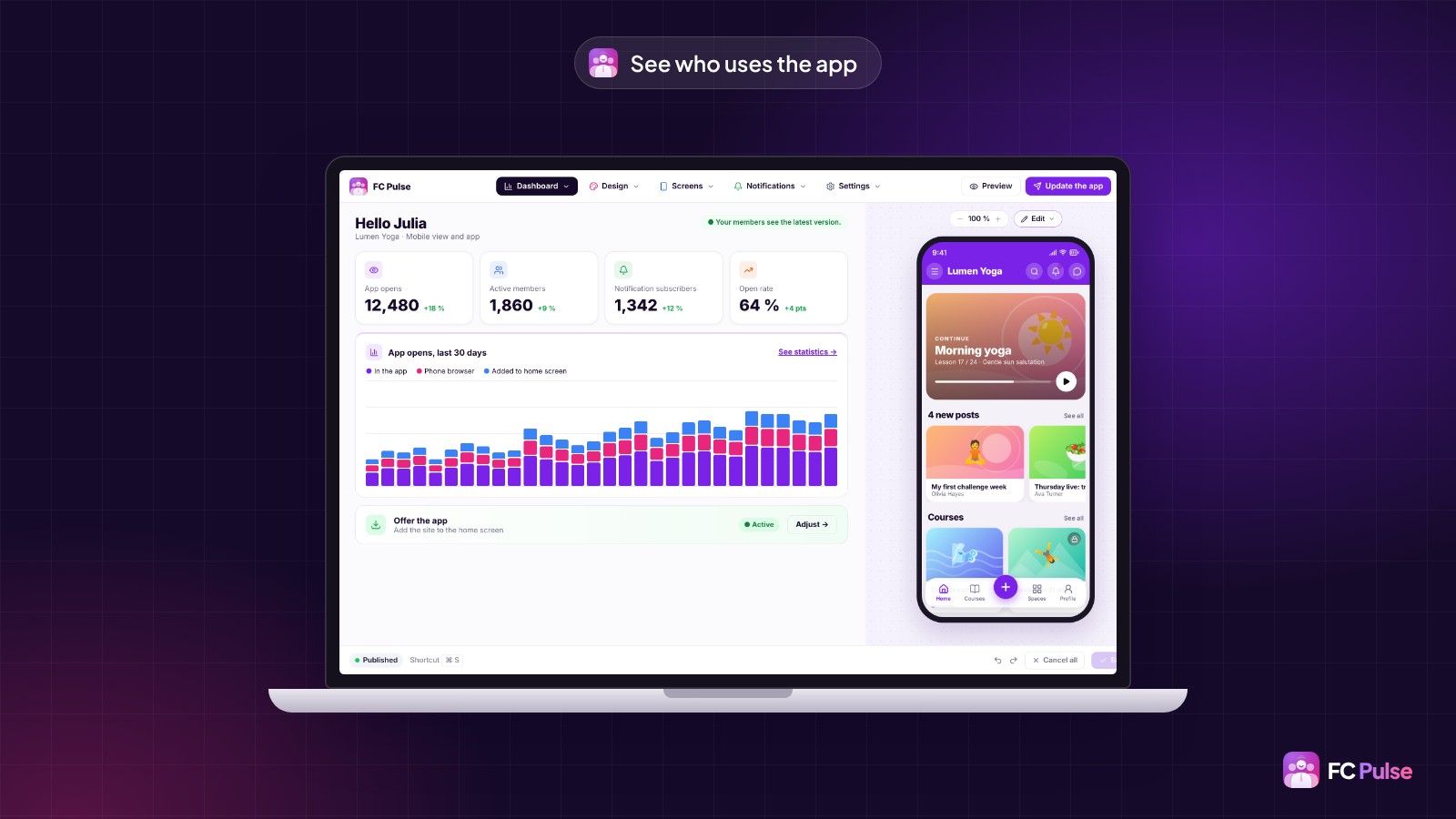
Your members and their data stay on your server, with your host. The first licenses are available at Founder pricing.
Founder offer
Your membership site, in their pocket
A lifetime license, at Founder pricing, for the launch period.
✓ Same credentials as on the site
✓ Private spaces and access respected
✓ Automatic notifications
✓ Your data stays with you
Read also: create a mobile app with WordPress, install your community on the home screen and the FAQ.
To follow what’s new in FC Pulse and talk with other users, join the FC Pulse community on Sdravobiz.
Frequently asked questions
Do my members need to create a new account?
No. They sign in with the same credentials as on your WordPress site.
Do private spaces stay private in the app?
Yes. The app follows your Fluent Community settings: private spaces, messages, members and moderation.
Do I have to manage content twice?
No. FC Pulse reads your Fluent Community: what you publish on the site appears in the app.
Where is my members’ data stored?
On your site. FC Pulse runs on your WordPress, with your host. Your members, their posts and their conversations stay on your server.
How much does FC Pulse cost?
FC Pulse comes with a lifetime license, no subscription, updates and support included. During the launch, the Founder offer brings its lowest price, for a limited time. Every plan is on the Founder pricing page.