
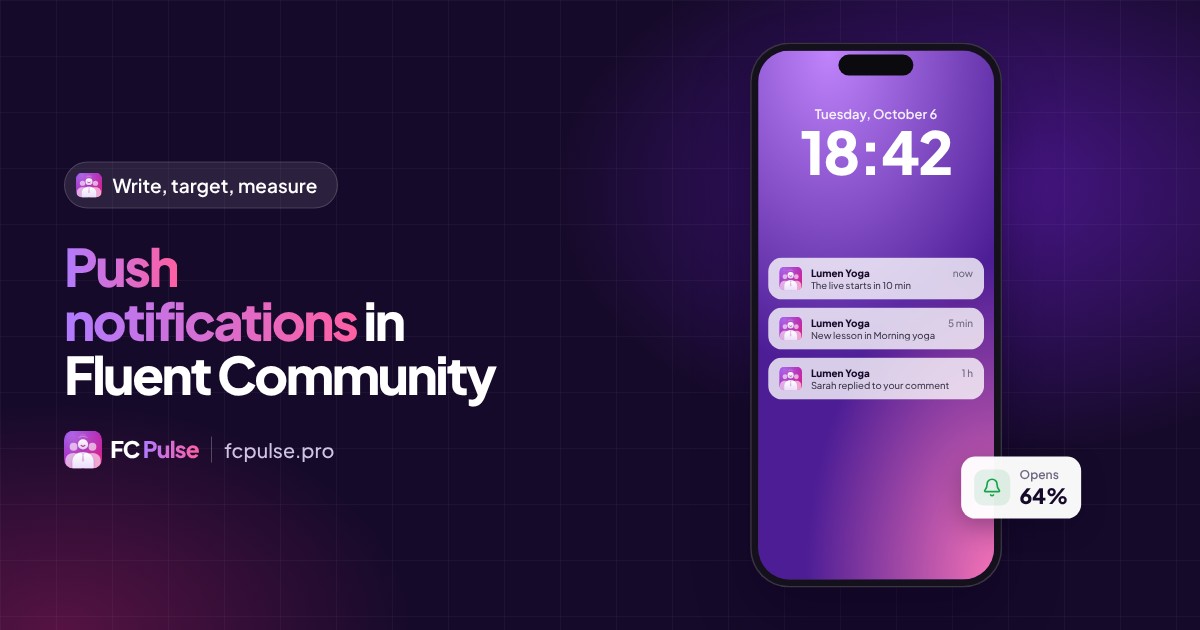
A good notification doesn’t interrupt: it reminds your members why they joined you. What you need to know to use them well.
An email waits in a full inbox. A push notification appears on the phone screen, the moment you send it.
For a community, it is the most direct way to say “something is happening, come and see”. As long as you choose well what to send, to whom and when.
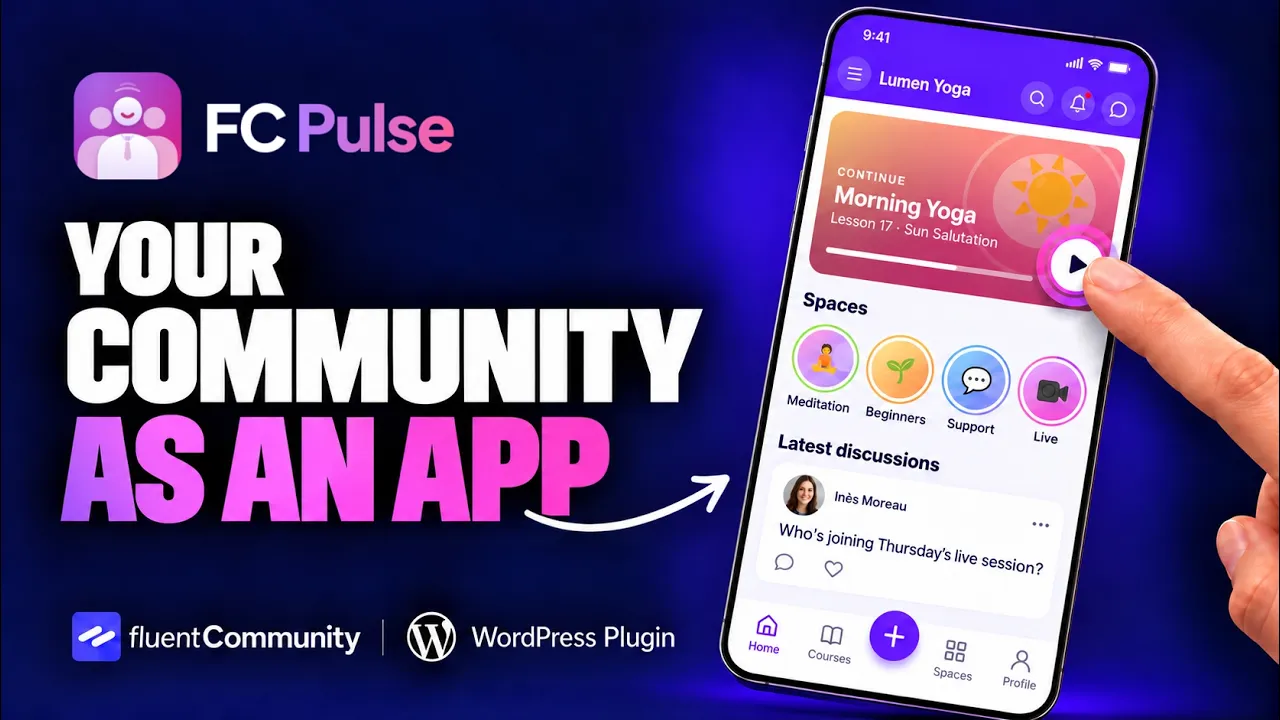
Three kinds of push notifications for your community
- Announcements, sent right away: a live session starting, something new, an event.
- Scheduled sends: the Monday morning message, the reminder the day before.
- Automatic notifications: new lesson, new post, comment, reply or mention. They go out on their own.
With FC Pulse, all three are managed in one place, in WordPress, next to the history and the stats.
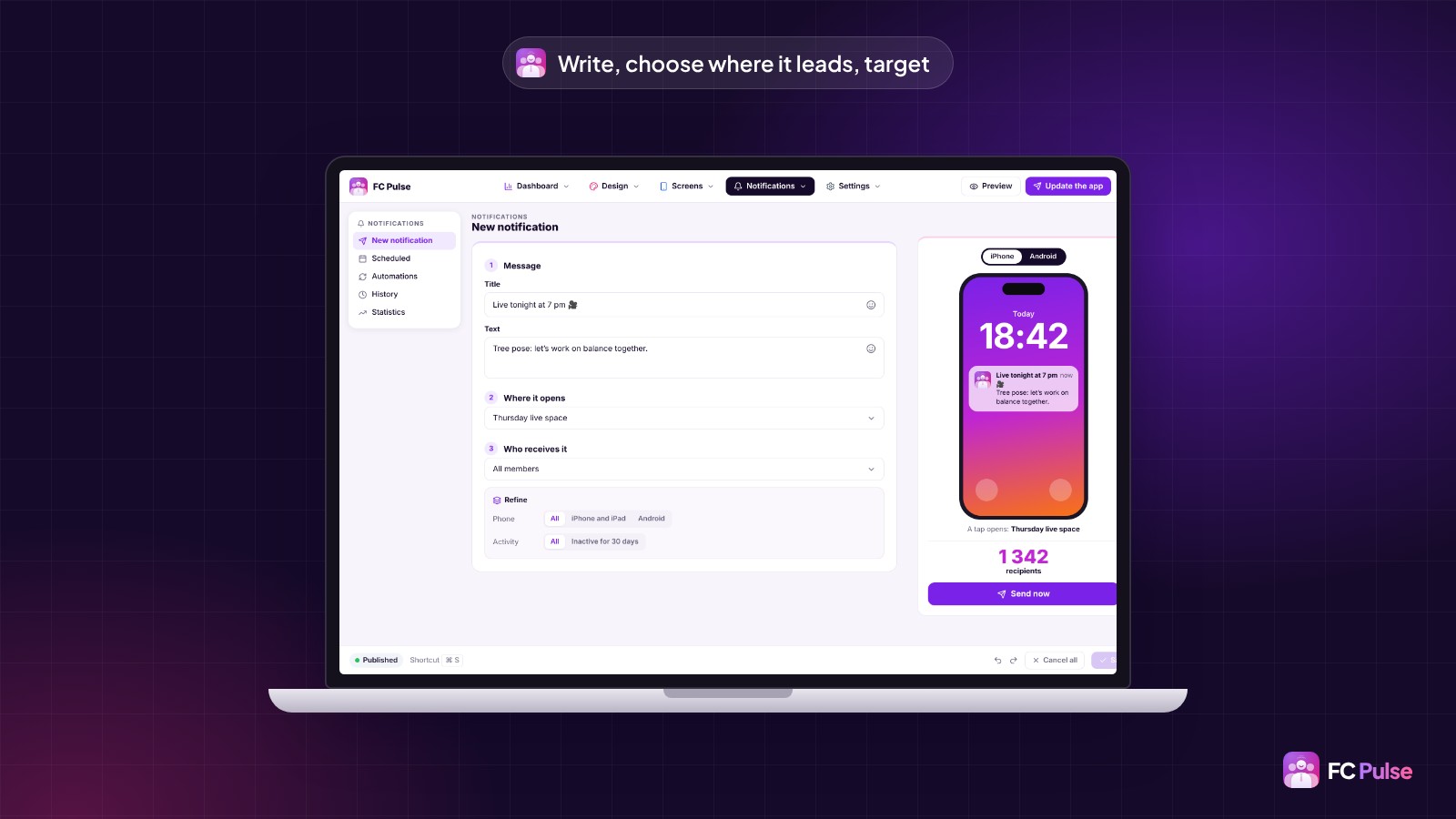
Write a Fluent Community notification in three questions
The FC Pulse New notification screen follows three simple questions:
- The message: a short title and a text that makes people want to open it.
- Where it leads: a space, a post, a course. One tap takes them straight there, in the app.
- Who receives it: all members or some of them, narrowed down by phone (iPhone and iPad or Android) or by activity, for example members inactive for 30 days.
The preview, right next to it, shows the notification as it will appear on an iPhone or an Android phone, with the number of recipients.
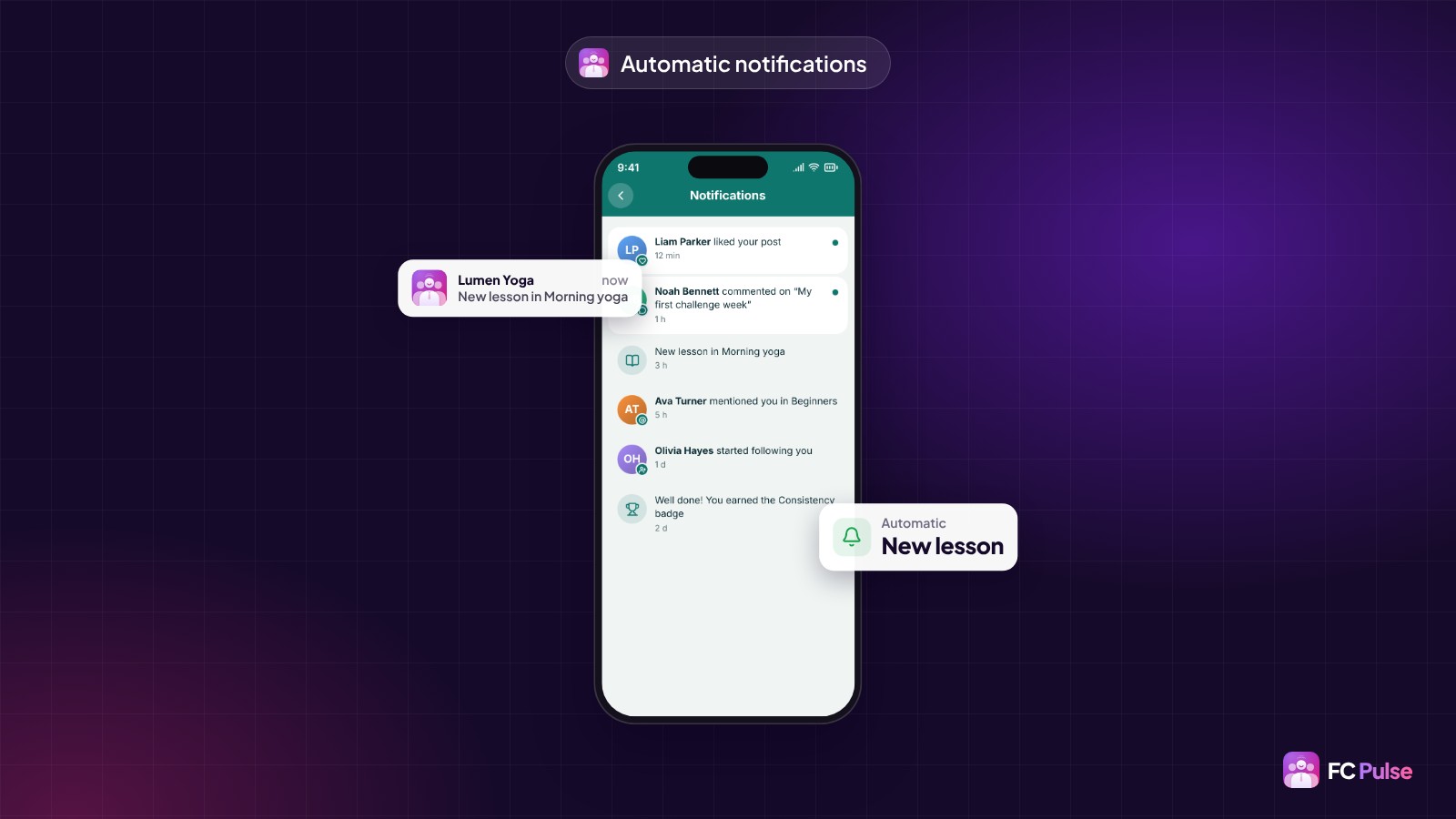
Automatic notifications do the work
A published lesson, a post in a space, a reply to a comment, a mention: FC Pulse lets the right members know, without you having to think about it. Automations can also start from FluentCRM.
Schedule at the right moment
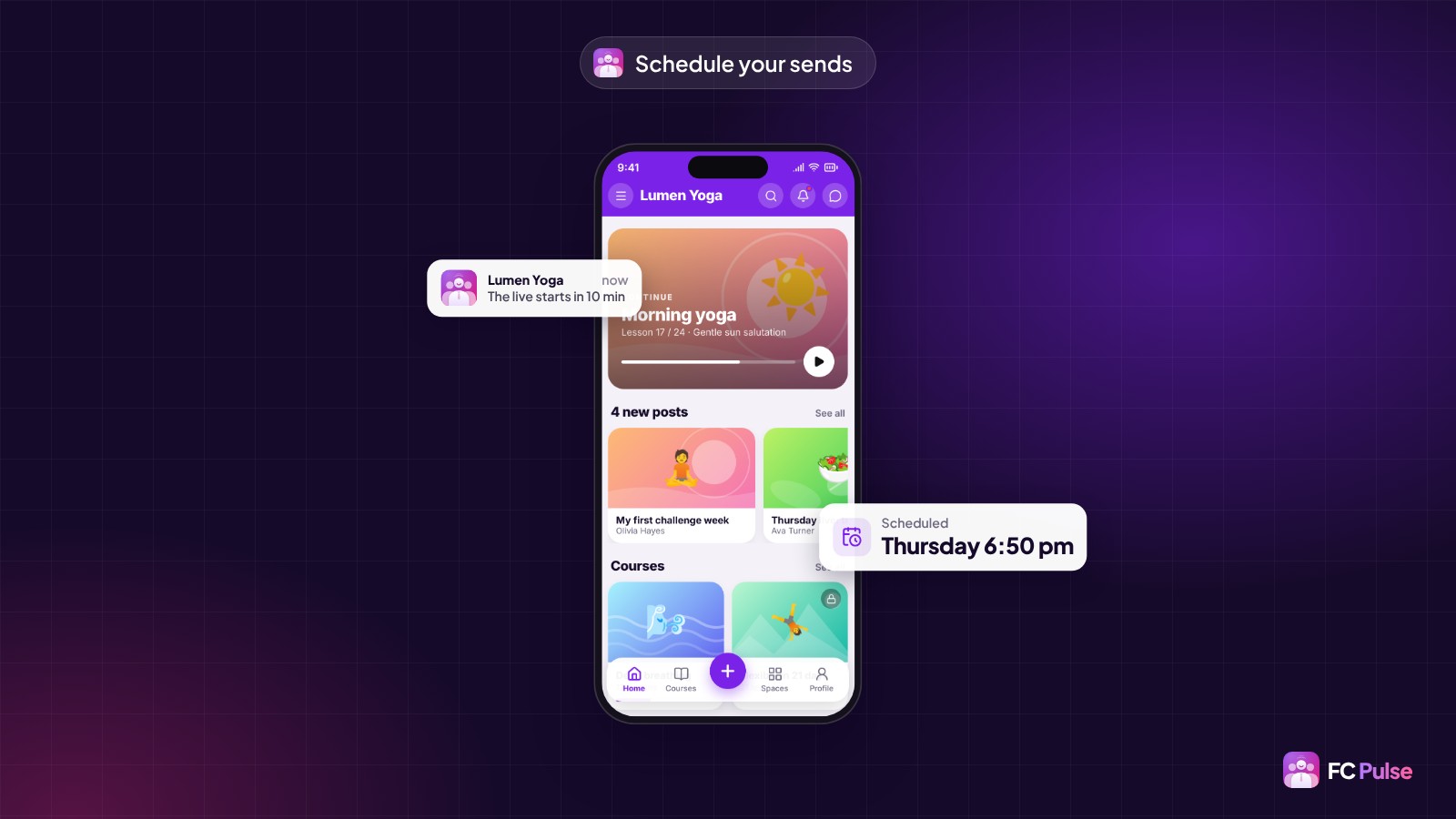
You prepare your announcements when you have time, they go out when your members are available. Scheduled sends stay visible in the admin.
Measure every send
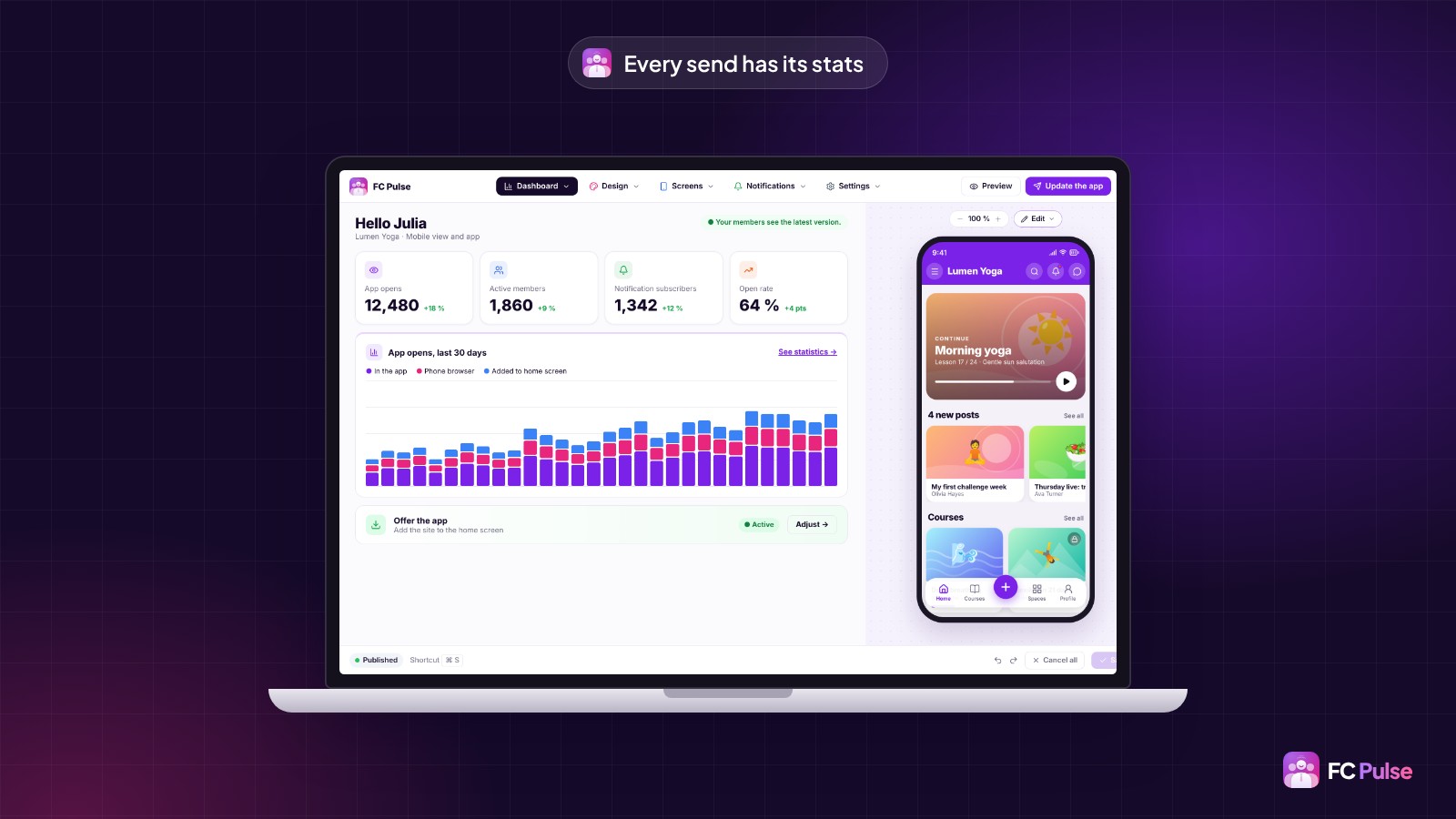
The admin keeps the history of every send and its stats. The dashboard tracks notification subscribers and the open rate. You see what brings your members back, and you adjust.
Four habits for notifications people like
- A title that says what is happening, not “New message”.
- A precise destination: the right post, not the home page.
- Less but better: let automatic ones cover daily life, keep your announcements for what matters.
- An eye on the stats, to keep what works.
On iPhone, your members receive notifications once the community is installed on the home screen, or in an app under your name with Maymoune. FC Pulse is at Founder pricing during the launch.
Founder offer
Your announcements, on your members’ phones
A lifetime license, at Founder pricing, for the launch period.
✓ Announcements, scheduled and automatic sends
✓ Targeting by phone and by activity
✓ One tap leads to the right place
✓ History and stats
Read also: create the mobile app for your community, the app for your online courses and the FAQ.
To follow what’s new in FC Pulse and talk with other users, join the FC Pulse community on Sdravobiz.
Frequently asked questions
Which notifications can I send?
Announcements sent right away, scheduled sends, and automatic notifications: new lesson, new post, comment, reply or mention.
Where does a notification lead?
To the right place. One tap opens the post, course or comment concerned, directly in the app.
Can I target some of my members?
Yes. You choose who receives it, then narrow down by phone or by activity, for example members inactive for 30 days.
How do I track my sends?
The admin keeps the history of every send and its stats, next to scheduled sends and automations.
How much does FC Pulse cost?
FC Pulse comes with a lifetime license, no subscription, updates and support included. During the launch, the Founder offer brings its lowest price, for a limited time. Every plan is on the Founder pricing page.