
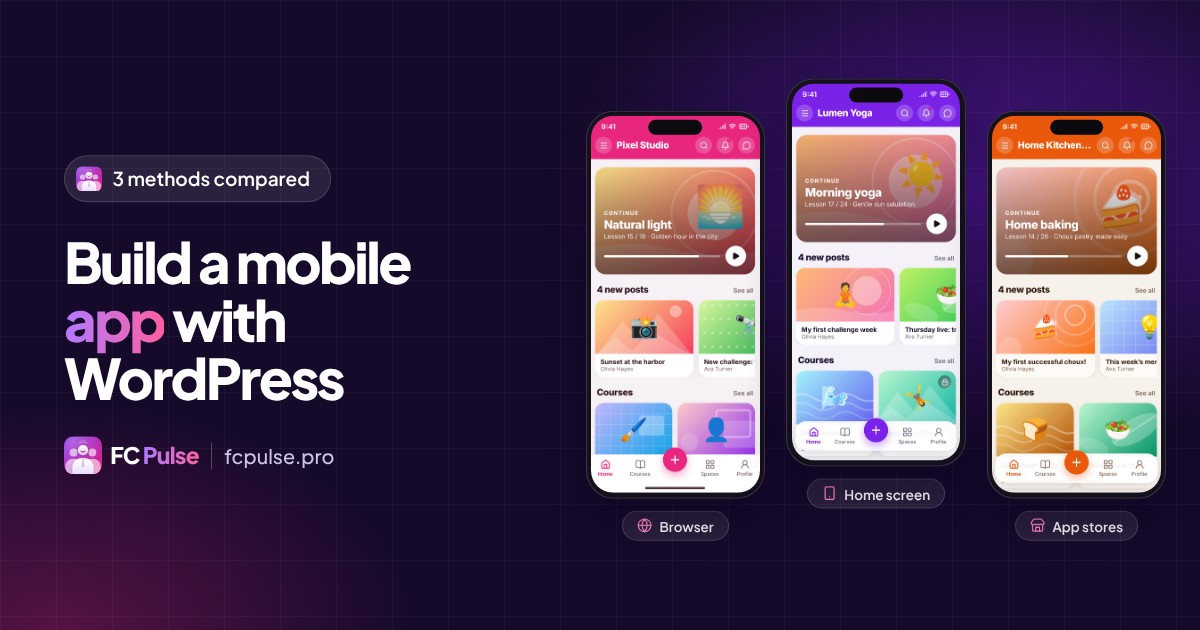
Your site runs on WordPress and you want to put it in your visitors’ pockets. There are three paths. I’ll help you choose yours.
WordPress powers a large part of the web. Articles, shop, courses, community: everything is already there. So the question is not to rebuild everything, but to bring that content to life on the phone.
The three methods go from the lightest to the most complete.
Method 1: an installable mobile site (PWA)
Your site displays well on a phone and can be installed on the home screen, like an app. This is called a PWA (Progressive Web App): an icon, full screen, no app store involved.
It is quick to set up and free for your visitors. The limit: the experience is still your WordPress theme, and the app does not appear on the App Store or Google Play.
Method 2: a native app connected to your WordPress site
Your site stays the source of everything. An iPhone, iPad and Android app connects to it and brings in your content. You don’t develop anything, and you publish a real app under your name in the stores.
That is exactly what Maymoune does, a solution I have offered for more than ten years. Maymoune natively creates the app for your WordPress site: your content flows into the app, in your colors, with a built-in shop, unlimited notifications and more than 190 modules. One build gives you three versions: iPhone and iPad, Android and web.
For most sites, this is the method I recommend: a real app, no development project, and your WordPress site stays at the center.
Method 3: custom development
An agency develops an app just for you, connected to the WordPress API. Anything is possible, but everything has a cost: design, development, then every iOS and Android update. This path makes sense for a very specific service that nothing existing covers.
And for a WordPress community, with Fluent Community?
A community adds one requirement: each member must feel at home, with their spaces, courses, messages and notifications. So the app needs to know who they are.
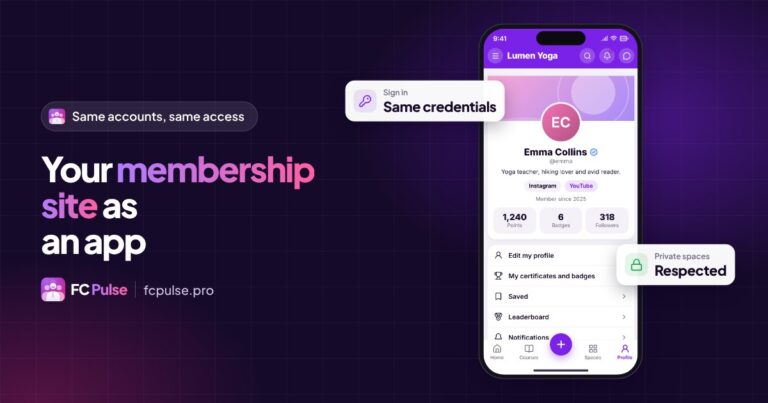
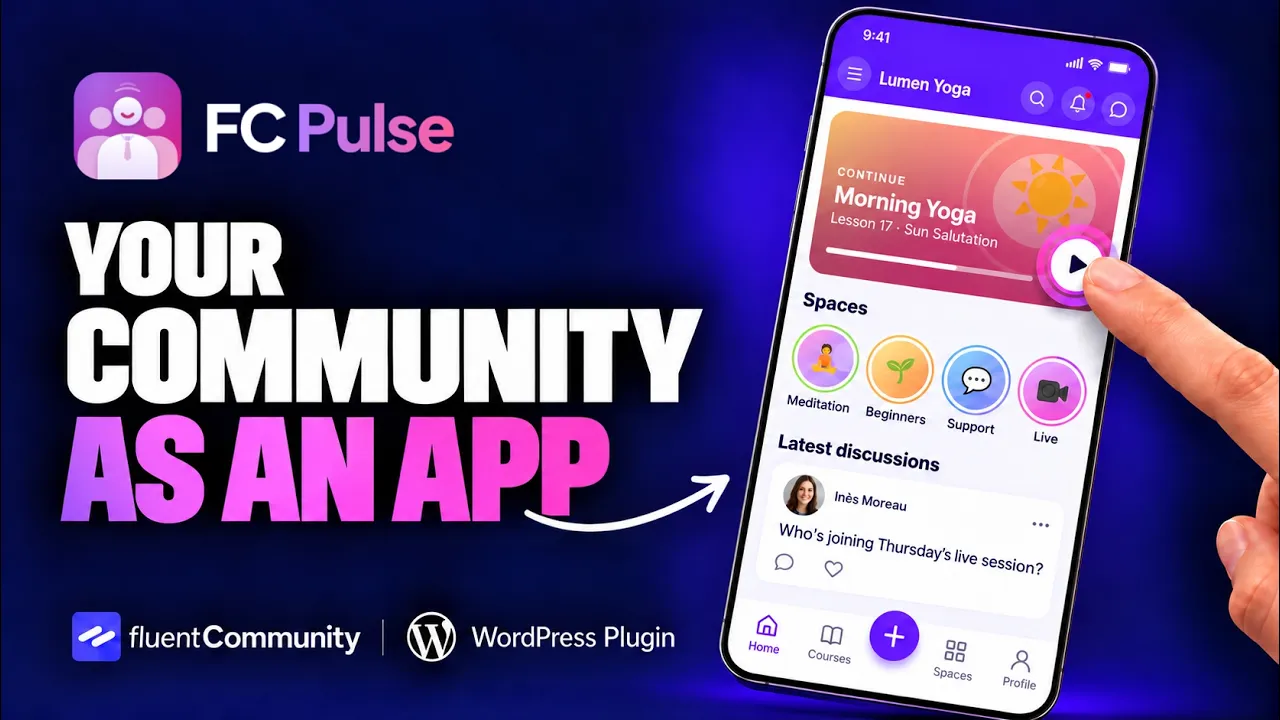
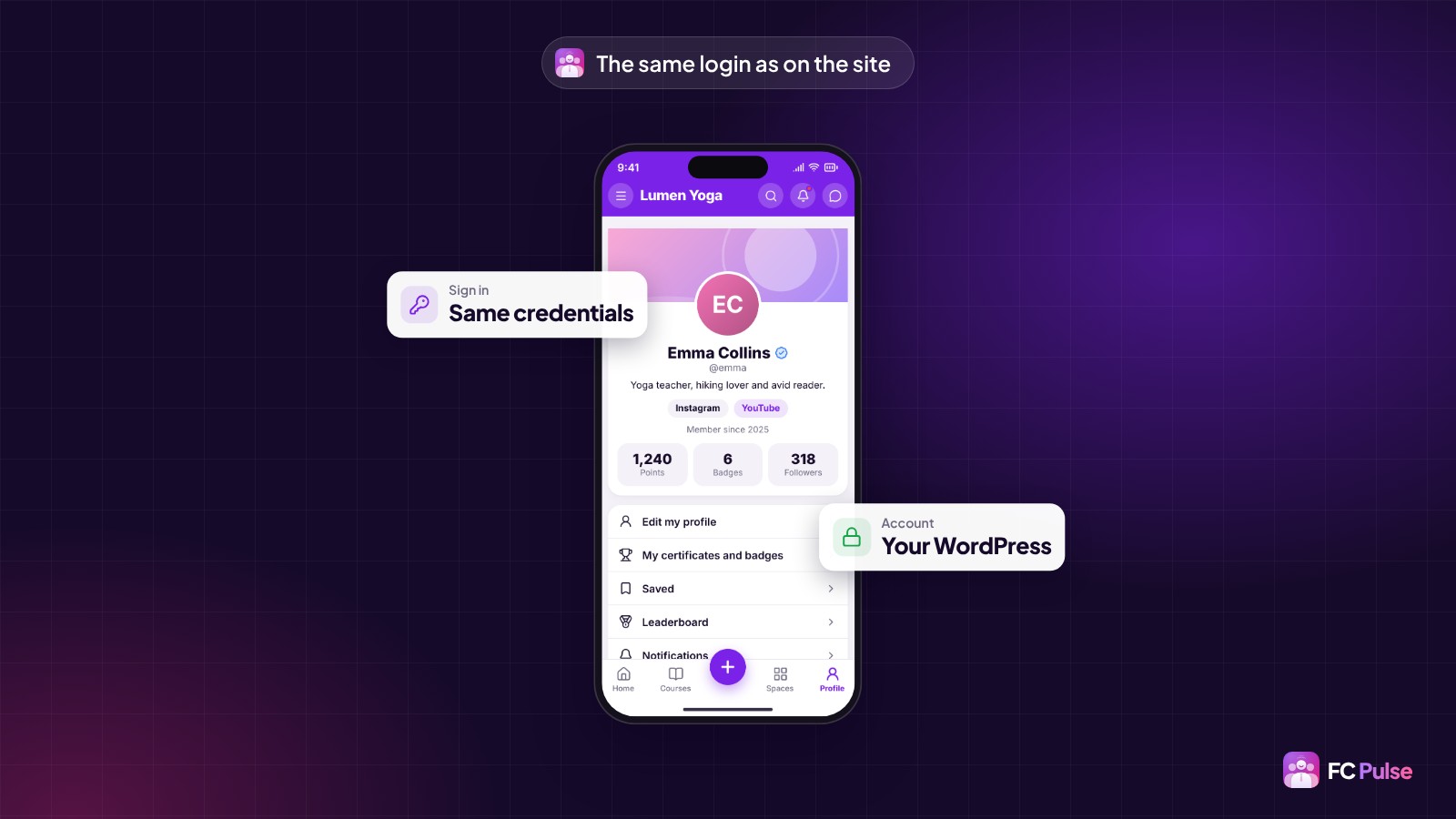
That is the role of FC Pulse. It gives Fluent Community a real app, and it brings direct member sign-in: members log in with the same credentials as on your site. Same WordPress account, same password, nothing to sign up for again.
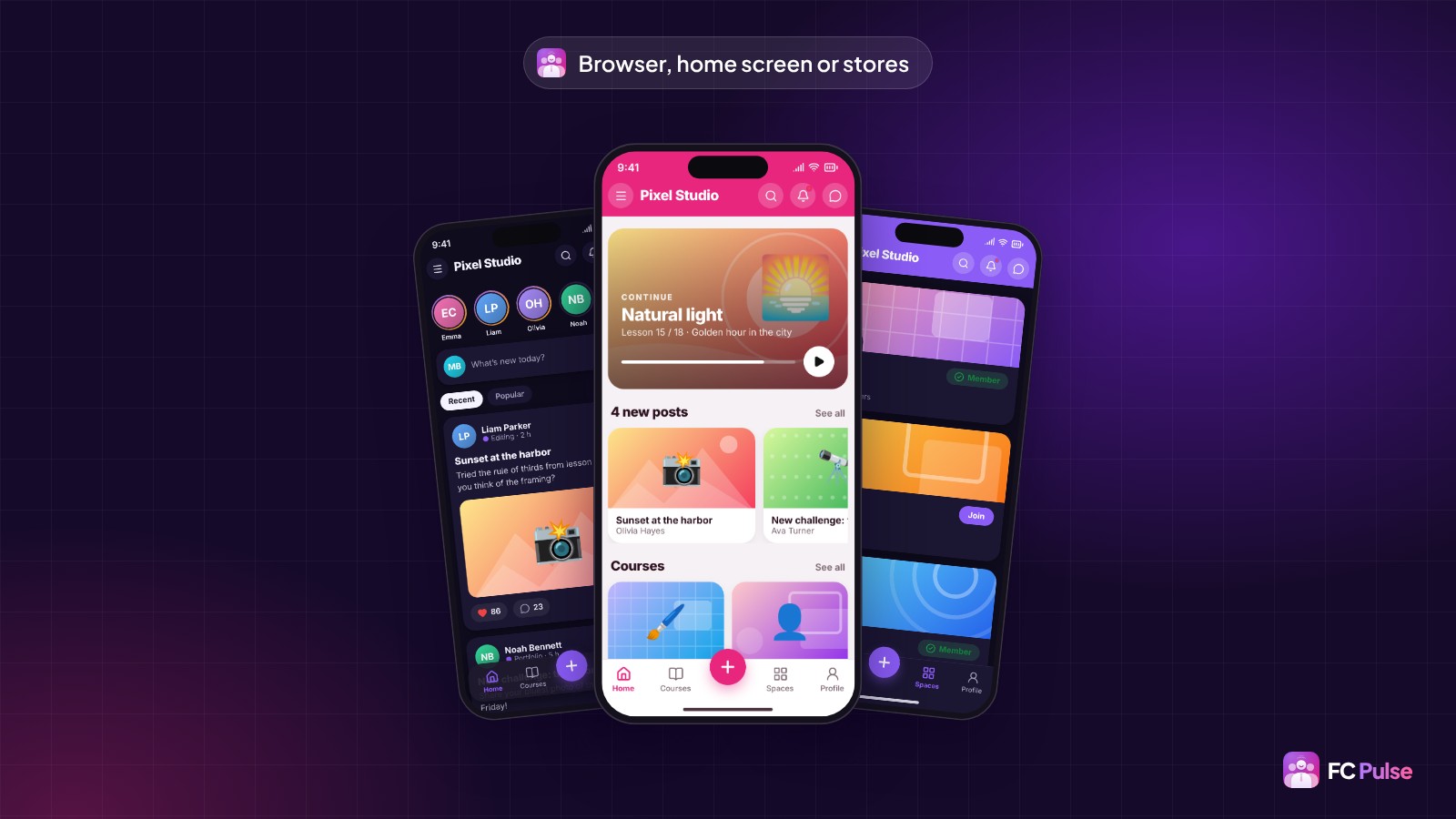
And the three methods work together:
- In the browser, your members open the community at its usual address, with the new mobile interface.
- On the home screen, FC Pulse guides them step by step, with a QR code to scan from the computer. It is 100% compatible with the Fluent Community PWA module.
- In the app stores, FC Pulse connects to Maymoune as a module: your WordPress site and your community together in one app under your name.
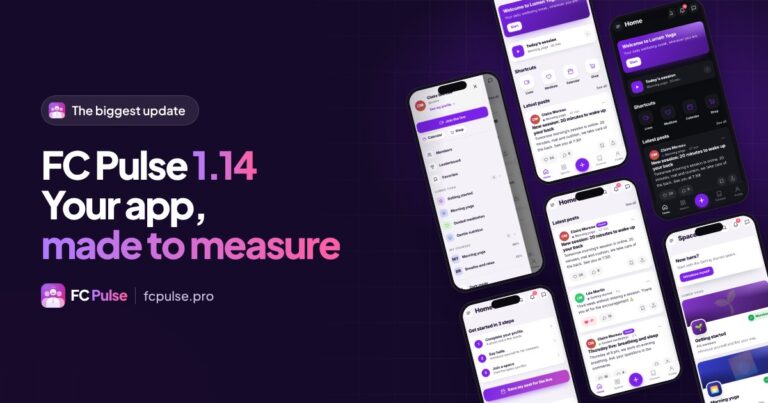
On the admin side, everything stays in WordPress: themes and colors, a home page built with blocks including your WordPress articles, and a phone preview that follows every setting.
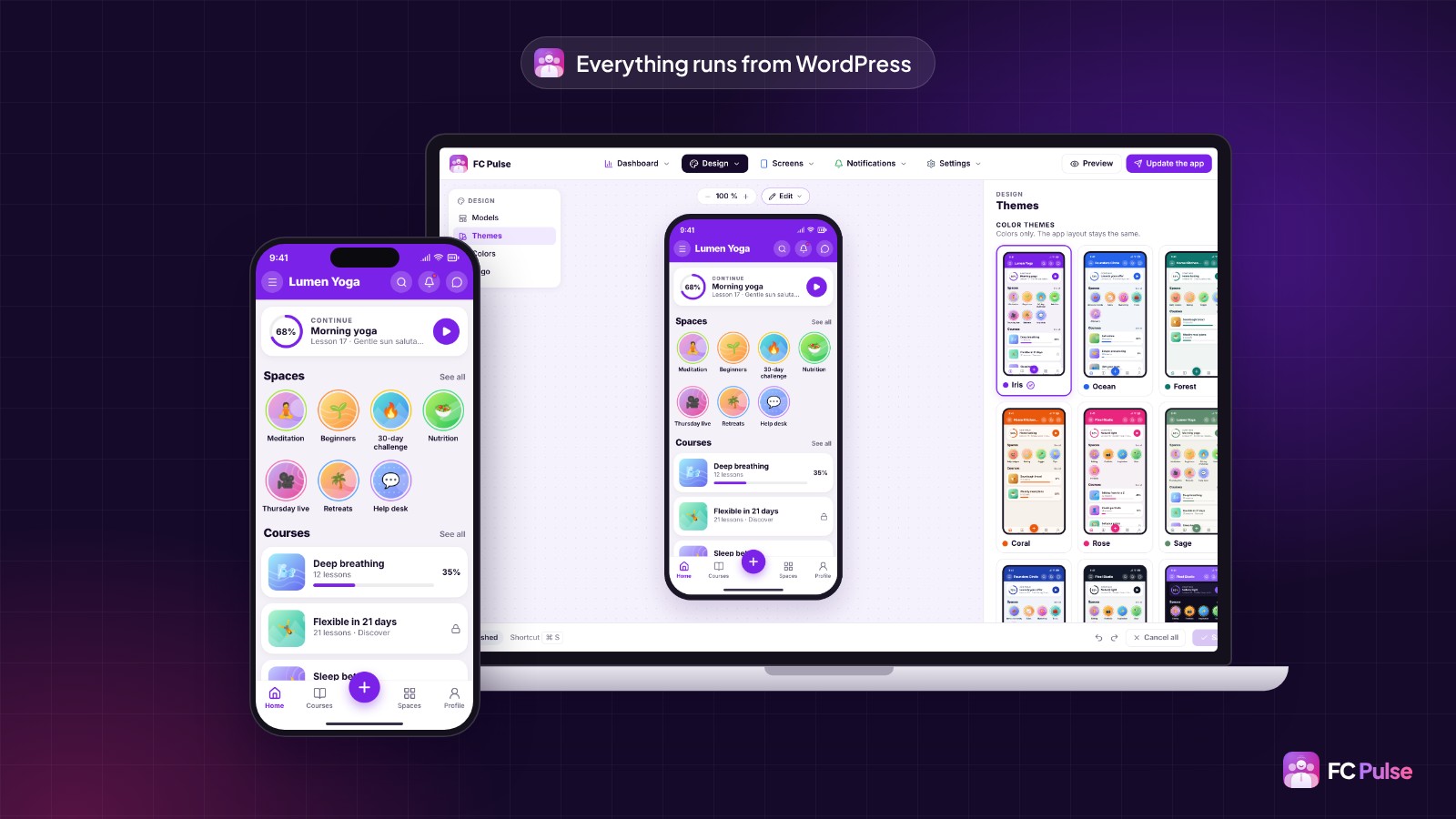
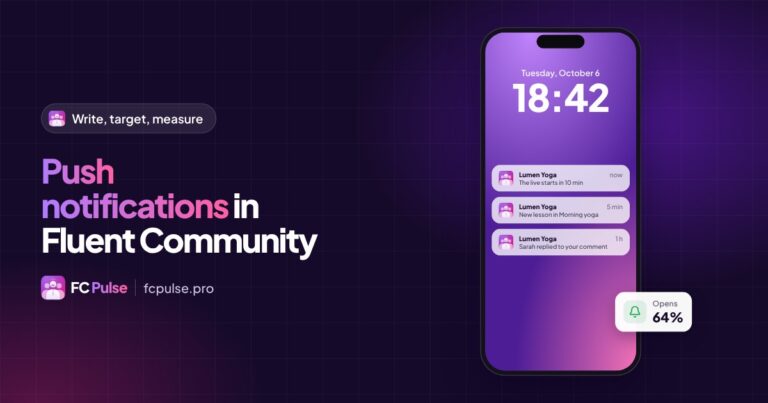
The best moment comes next: the day you send your first announcement and it appears on your members’ phones.
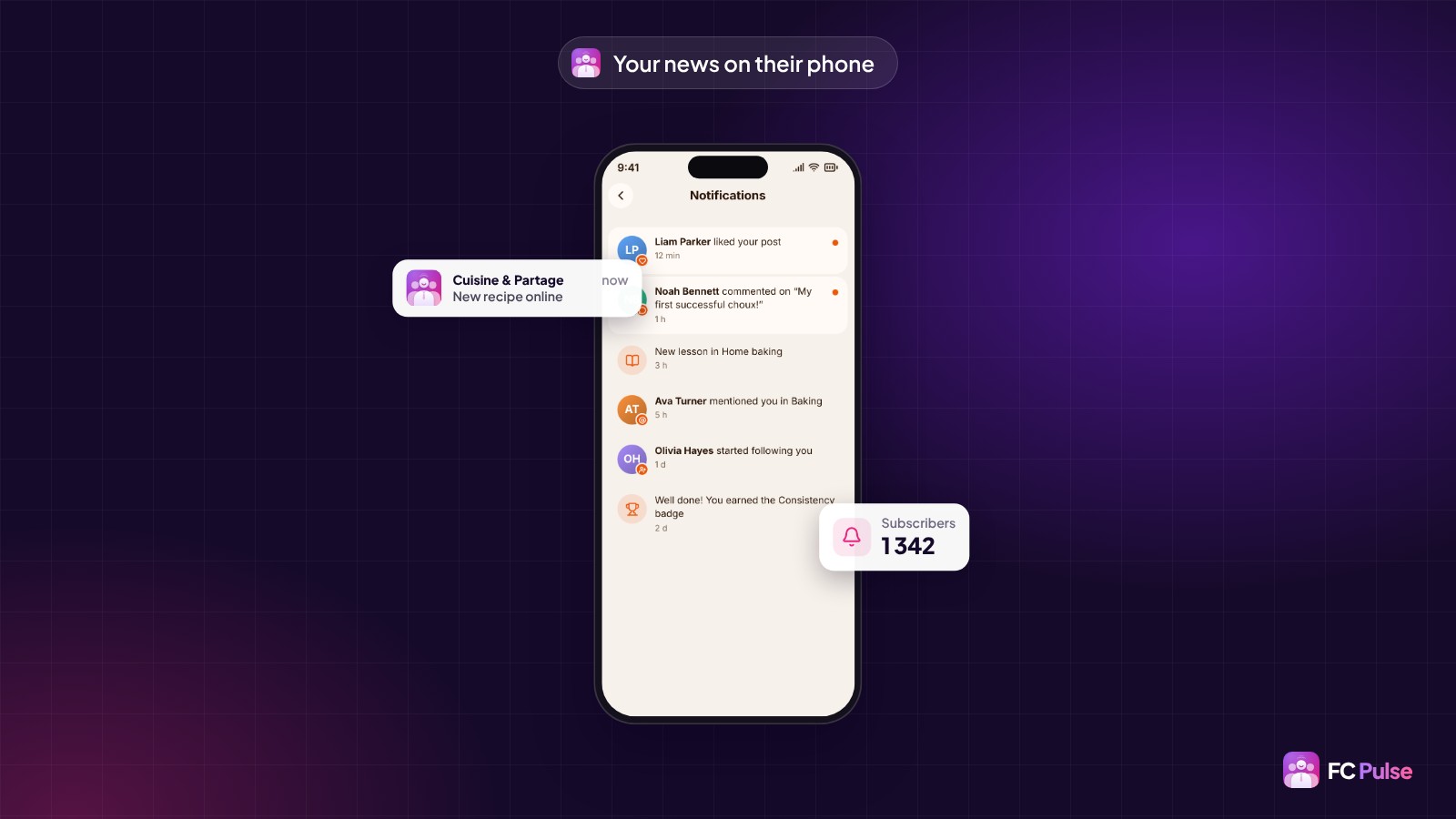
For a Fluent Community, the most complete combination fits in two words: FC Pulse and Maymoune. Both come together in the 1 site + app Founder pack.
Founder offer
Your WordPress site, in their pocket
A lifetime license, at Founder pricing, for the launch period.
✓ Sign in with the same credentials
✓ Web, home screen and app stores
✓ Everything set up from WordPress
✓ Your data stays on your site
Read also: create the mobile app for your community, how much a community app costs and the FAQ.
To follow what’s new in FC Pulse and talk with other users, join the FC Pulse community on Sdravobiz.
Frequently asked questions
Can you create a mobile app with WordPress without coding?
Yes. A PWA, a native app connected to your site with Maymoune, or FC Pulse for a Fluent Community: none of these solutions require code.
Do my members need to create a new account in the app?
No. With FC Pulse, they sign in with the same credentials as on your site. It is their WordPress account.
Can I publish my app on the App Store and Google Play?
Yes, with Maymoune: an app under your name for iPhone, iPad and Android. FC Pulse connects to it as a module.
Can my WordPress articles appear in the app?
Yes. The FC Pulse home page builder adds your WordPress articles, your videos and your podcasts in one click.
How much does FC Pulse cost?
FC Pulse comes with a lifetime license, no subscription, updates and support included. During the launch, the Founder offer brings its lowest price, for a limited time. Every plan is on the Founder pricing page.