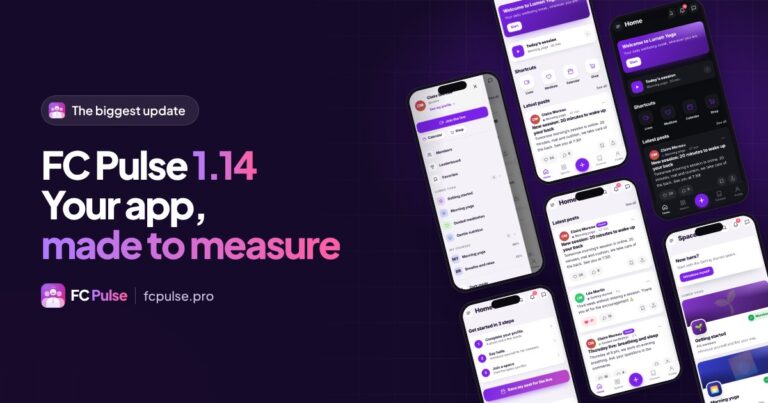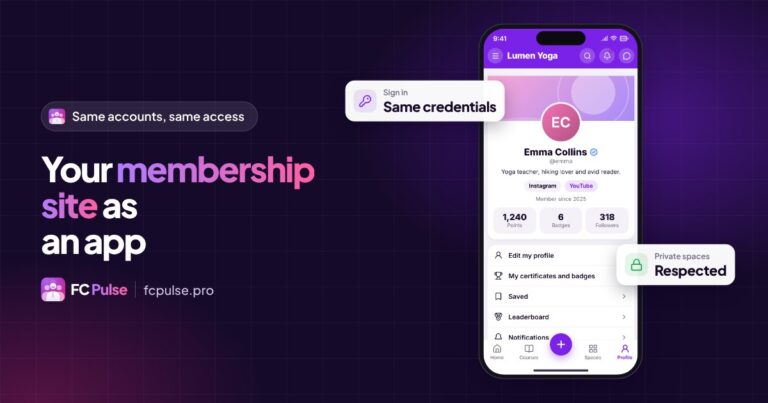

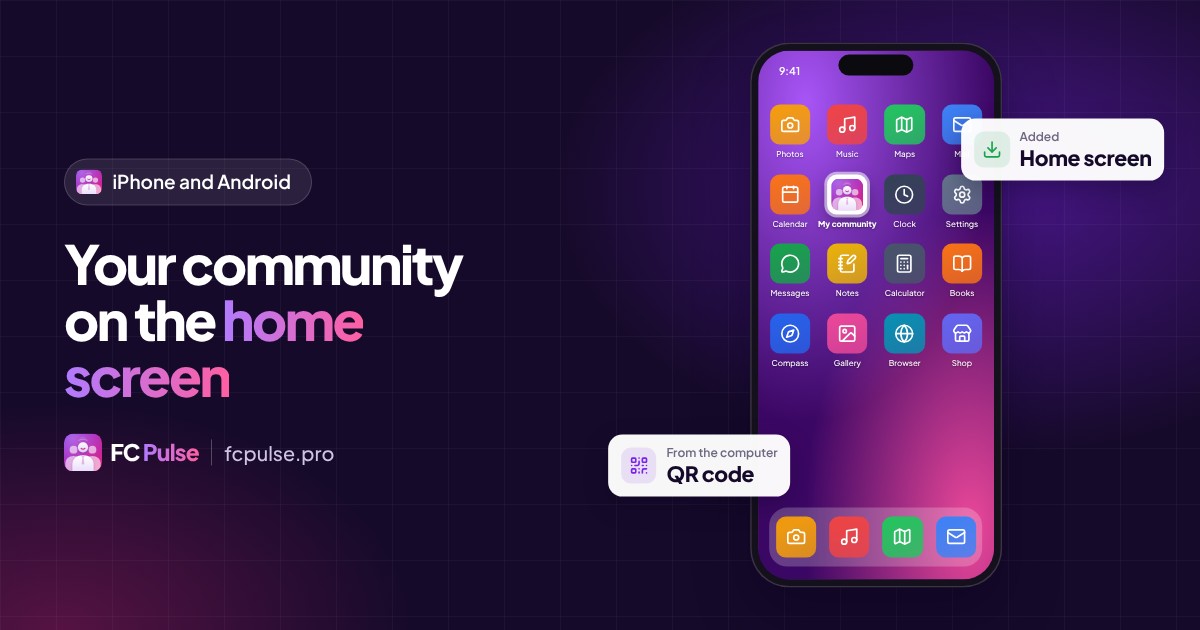
One icon on the home screen, and your community opens full screen, like an app. No store, no download. The path, step by step, for your members.
Your members spend more time on their phone than on their computer. Giving them an icon for your community saves them from looking up the address at every visit.
That icon is a PWA (Progressive Web App): your community installed like an app, straight from the browser.
Why install your community on the home screen
- One tap is enough: the icon is right there, among their other apps.
- Full screen: no more address bar, the interface takes the whole screen.
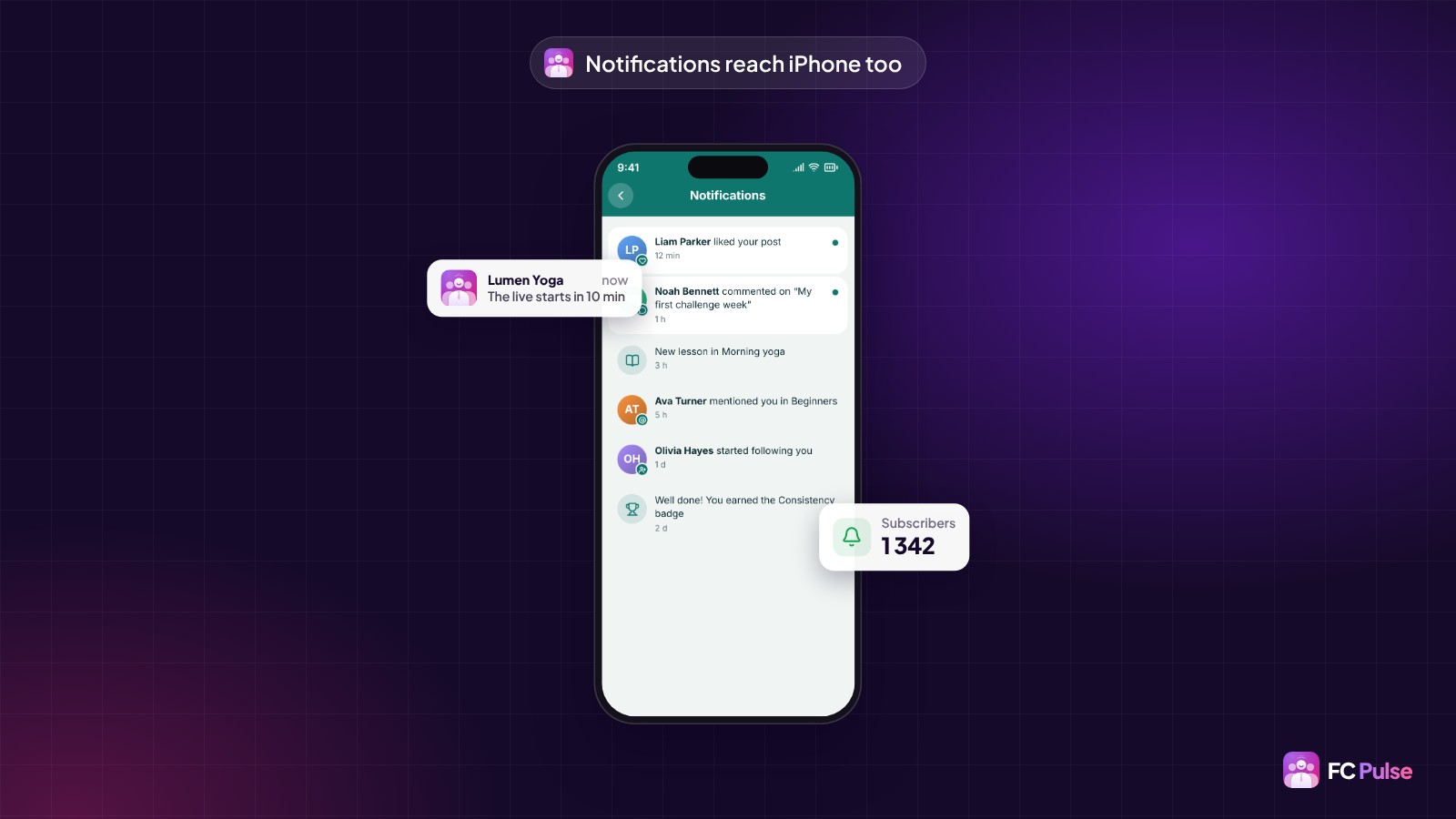
- Push notifications on iPhone: on iPhone, a community receives its notifications once it has been added to the home screen.
- No app store: nothing to download, nothing to approve, and updates are instant.
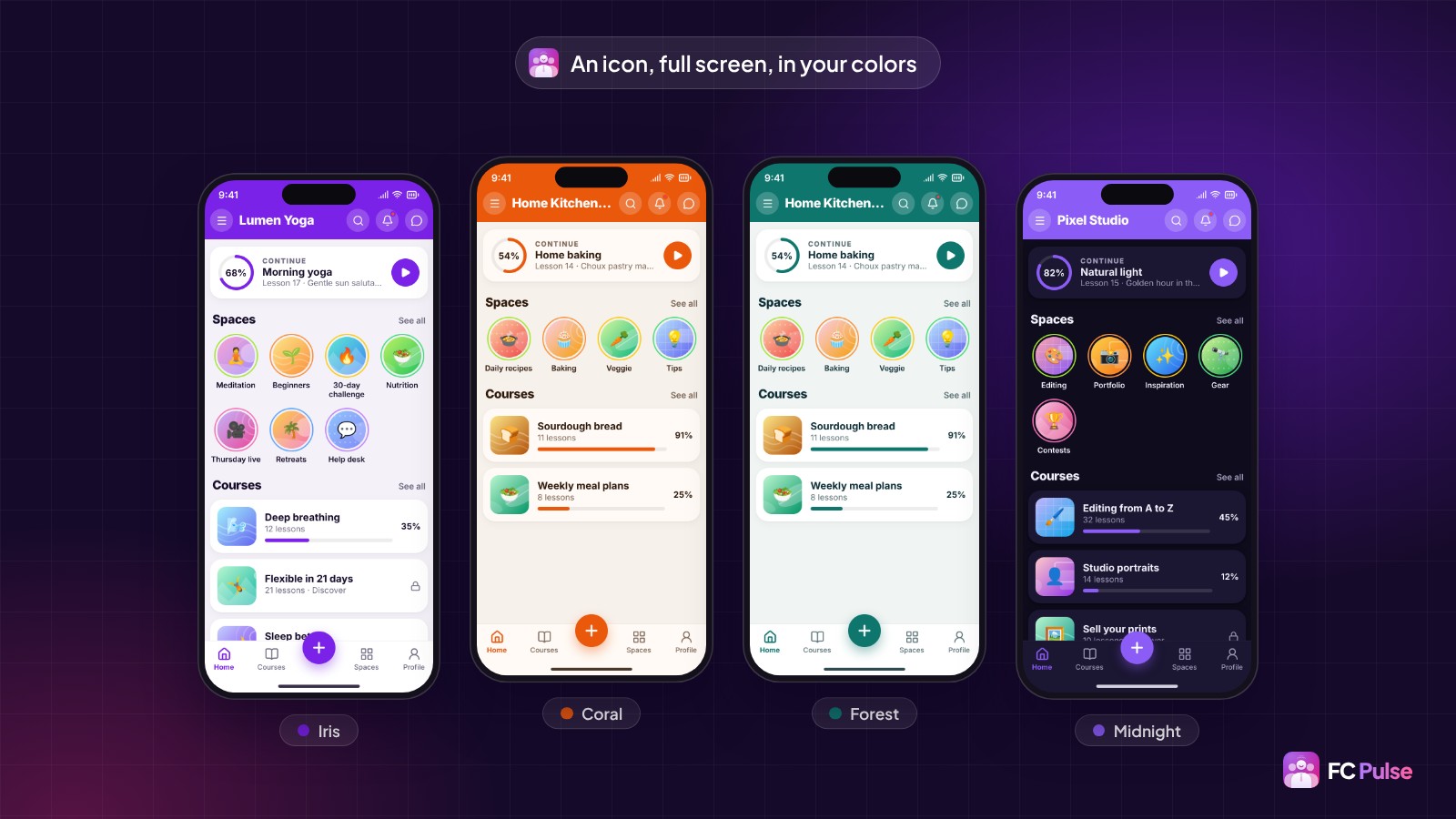
On iPhone and iPad, with Safari
- Open your community in Safari, at its usual address.
- Tap the Share button (the square with an arrow pointing up). On recent versions of iOS, it is in the “…” menu.
- Choose “Add to Home Screen”, then tap “Add”.
- Open the community from its new icon and allow notifications.
On Android, with Chrome
- Open your community in Chrome.
- Tap the menu at the top right (the three dots).
- Choose “Install app” or “Add to Home screen”.
- Confirm: the icon appears with your other apps.
Labels vary slightly from one phone and system version to another, but the path stays the same.
FC Pulse guides your members at every step
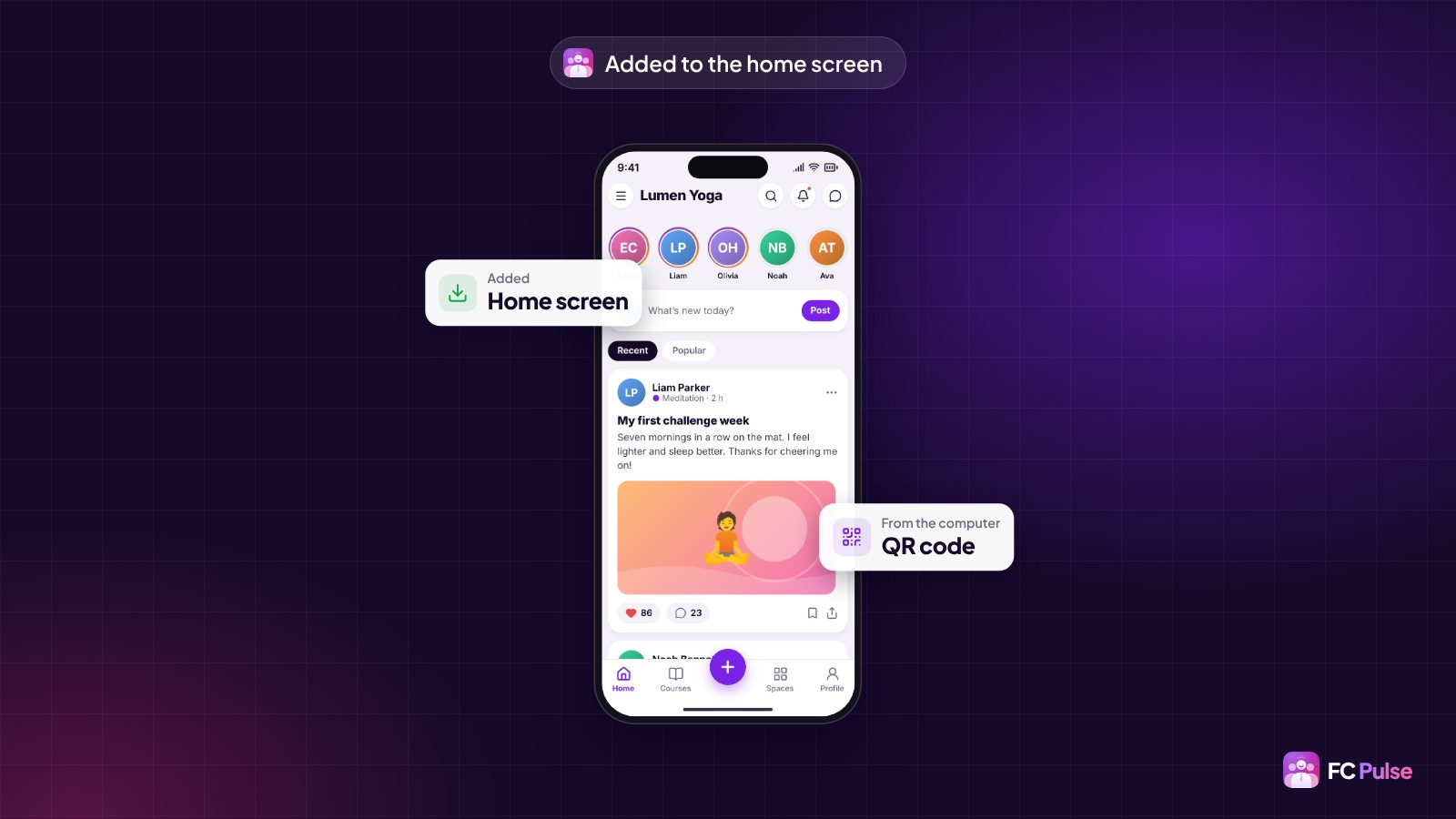
You don’t have to send this guide to every member. With FC Pulse, the community offers the installation itself: the member is guided step by step.
On a computer, a QR code is waiting: they scan it with their phone and land directly on your community, ready to install it. FC Pulse is 100% compatible with the Fluent Community PWA module.
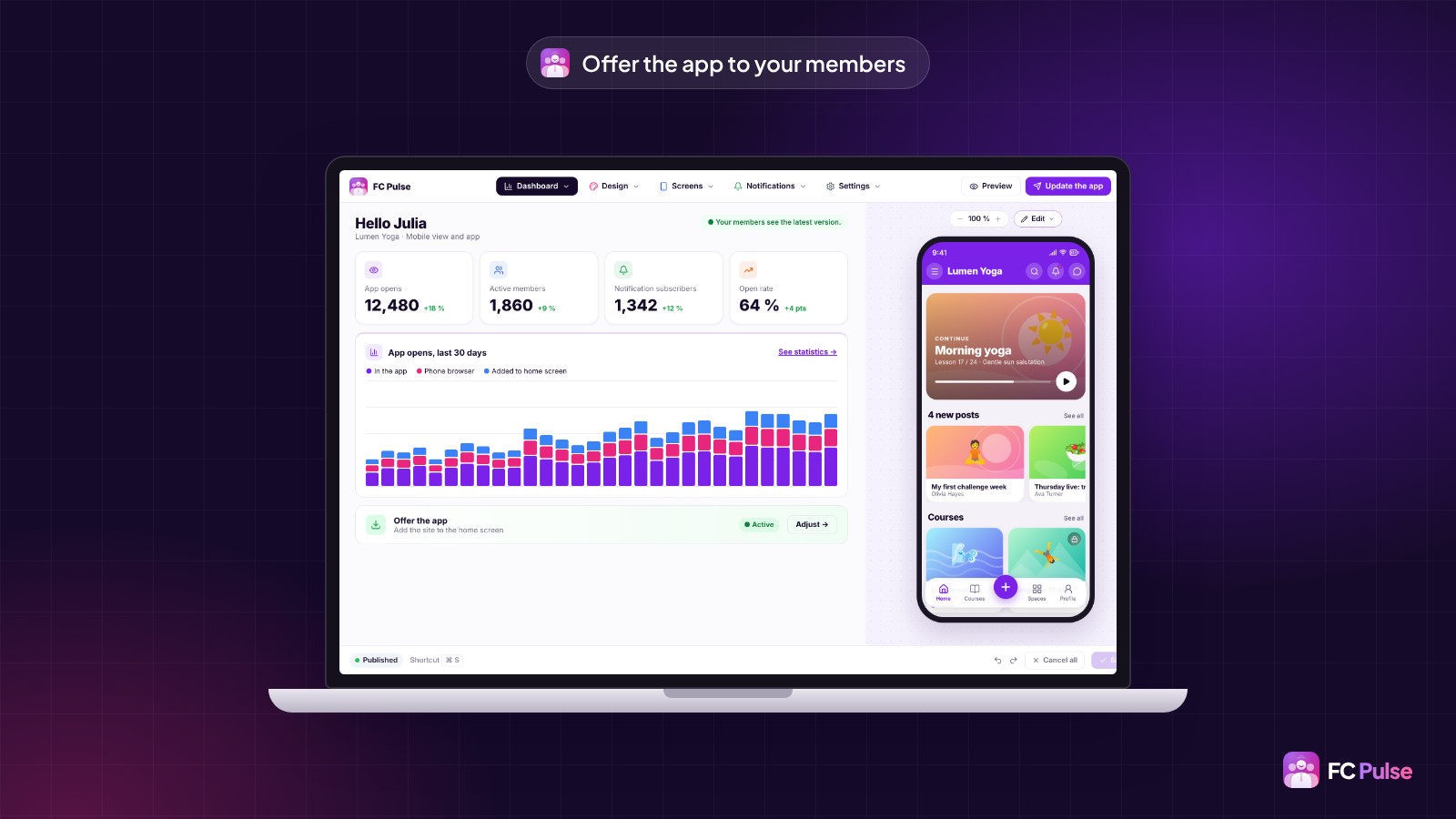
In the dashboard, you then see where your members open the community from: in the app, in the phone’s browser, or from the home screen.
Next up: notifications
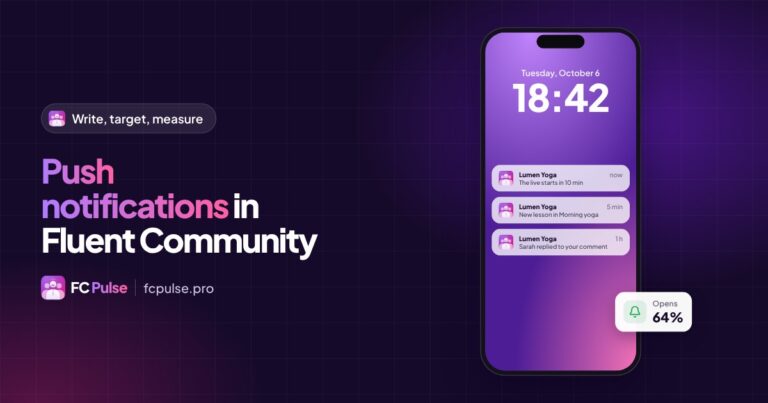
Once the icon is installed, your push notifications reach the phone, and one tap opens the right post, course or comment.
To go all the way to the app stores, with an app under your name on the App Store and Google Play, FC Pulse connects to Maymoune. The 1 site + app Founder pack brings both together.
Founder offer
Your community, one tap away
A lifetime license, at Founder pricing, for the launch period.
✓ Guided install on iPhone and Android
✓ QR code from the computer
✓ 100% compatible with the PWA module
✓ Push notifications on the home screen
Read also: create the mobile app for your community, the three methods for a WordPress app and the FAQ.
To follow what’s new in FC Pulse and talk with other users, join the FC Pulse community on Sdravobiz.
Frequently asked questions
What is a PWA?
A Progressive Web App: a site that installs on the home screen and opens full screen, like an app, without going through an app store.
Do I need the App Store or Google Play?
No. Installation happens from the browser. For an app under your name in the stores, FC Pulse connects to Maymoune.
Do push notifications work on iPhone?
Yes, once the community has been added to the home screen and the member has allowed notifications.
Does FC Pulse replace the Fluent Community PWA module?
It is 100% compatible with it. FC Pulse adds the step-by-step install guide and the QR code for your members.
How much does FC Pulse cost?
FC Pulse comes with a lifetime license, no subscription, updates and support included. During the launch, the Founder offer brings its lowest price, for a limited time. Every plan is on the Founder pricing page.