
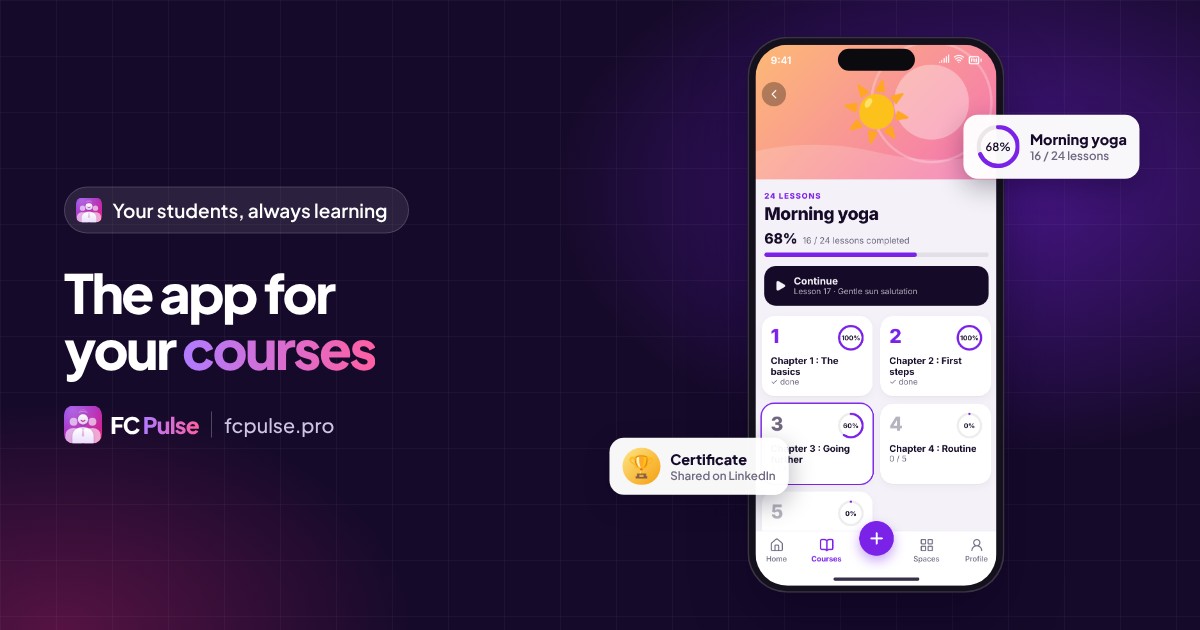
Your students learn better when the course follows them everywhere. An app puts today’s lesson at their fingertips, and gives you a direct line to them.
An online course rarely happens on a computer. People move forward one lesson on the train, watch a video again before bed, ask a question between two meetings.
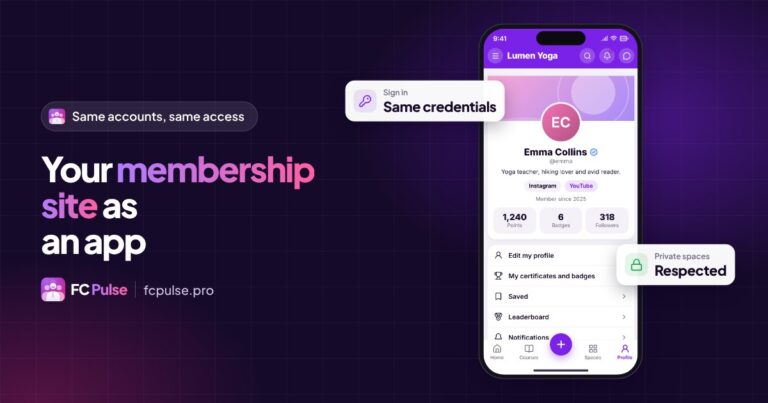
If your courses live in Fluent Community, they can have their own app, in your colors, without rebuilding anything.
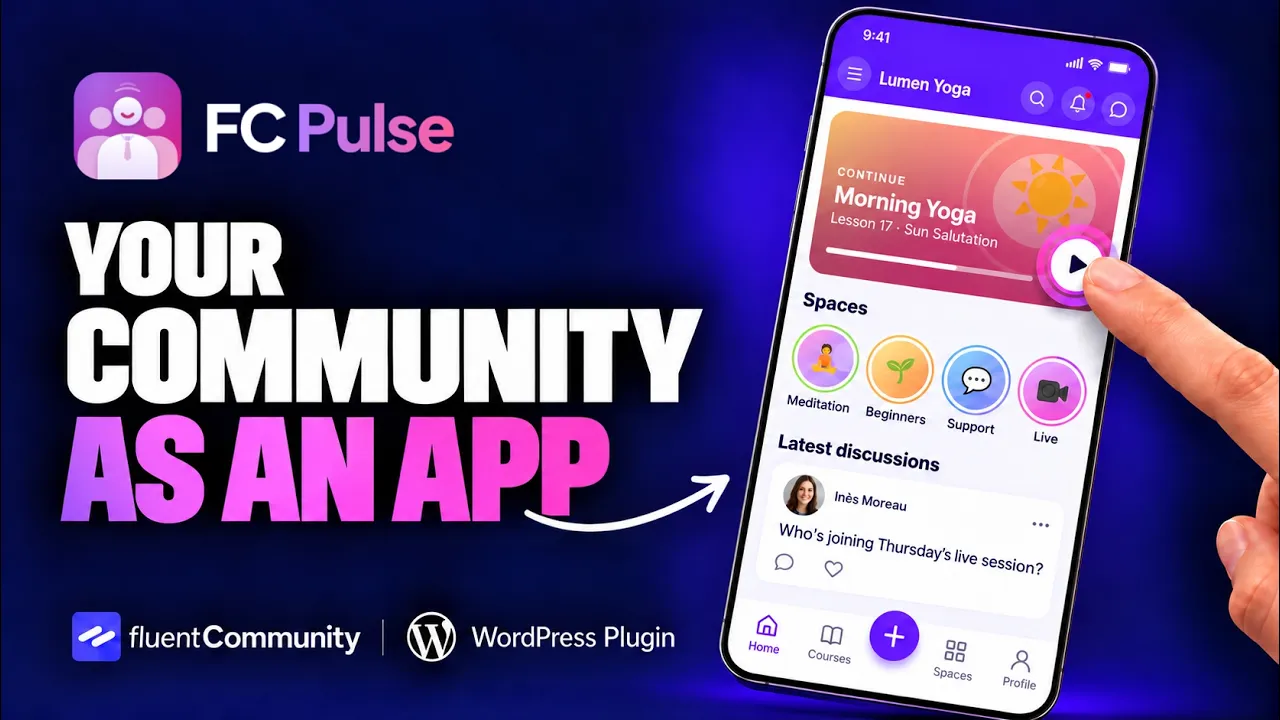
What an app changes for your online courses
- Direct access. The icon is on the home screen, the current course opens with one tap.
- Visible progress. Each student sees where they are and picks up where they left off.
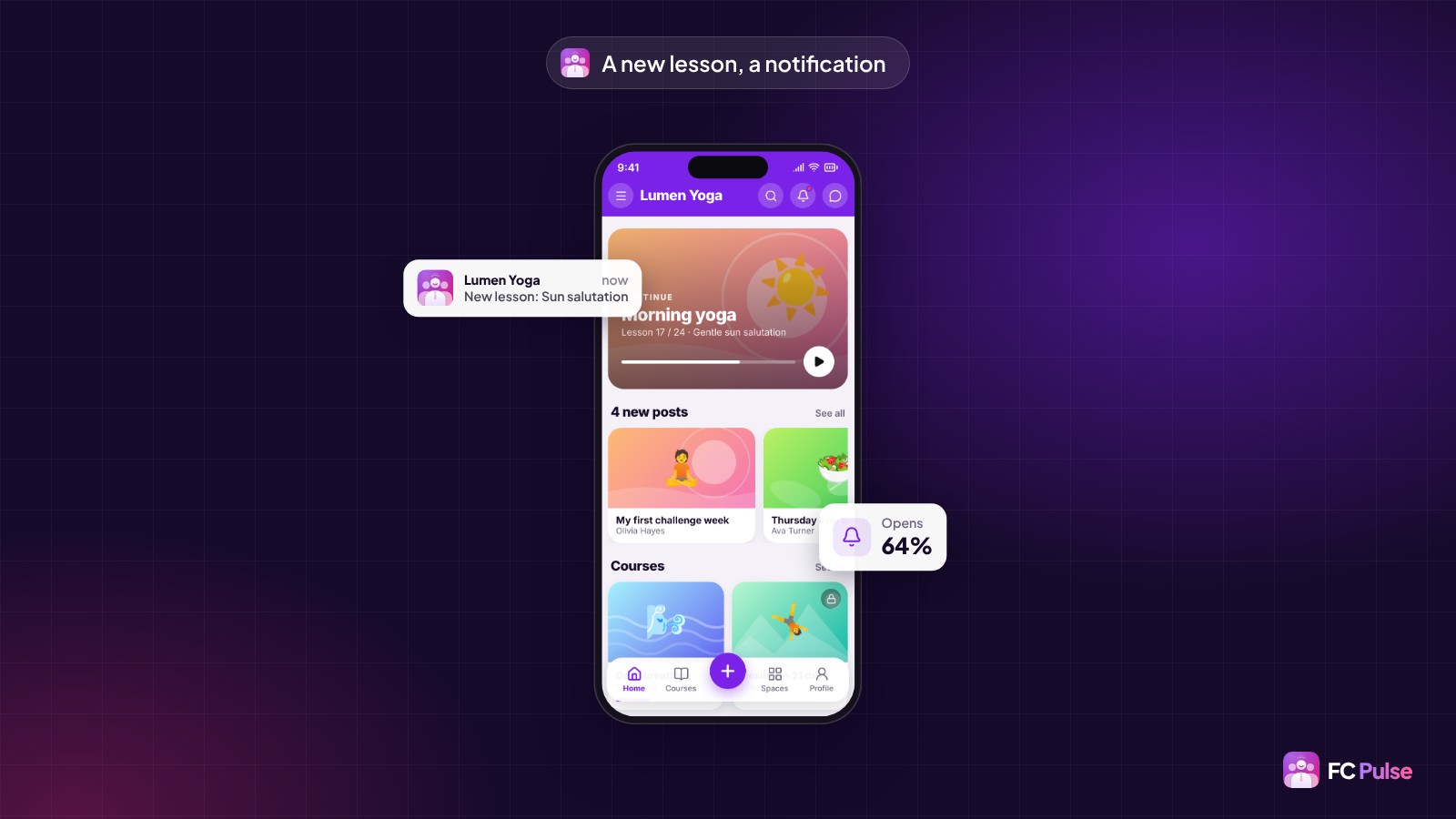
- Reminders that land. A new lesson becomes a notification on their phone.
- A living class. The space chat and the Activity feed keep students together.
That is often the difference between a course that was bought and a course that was finished.
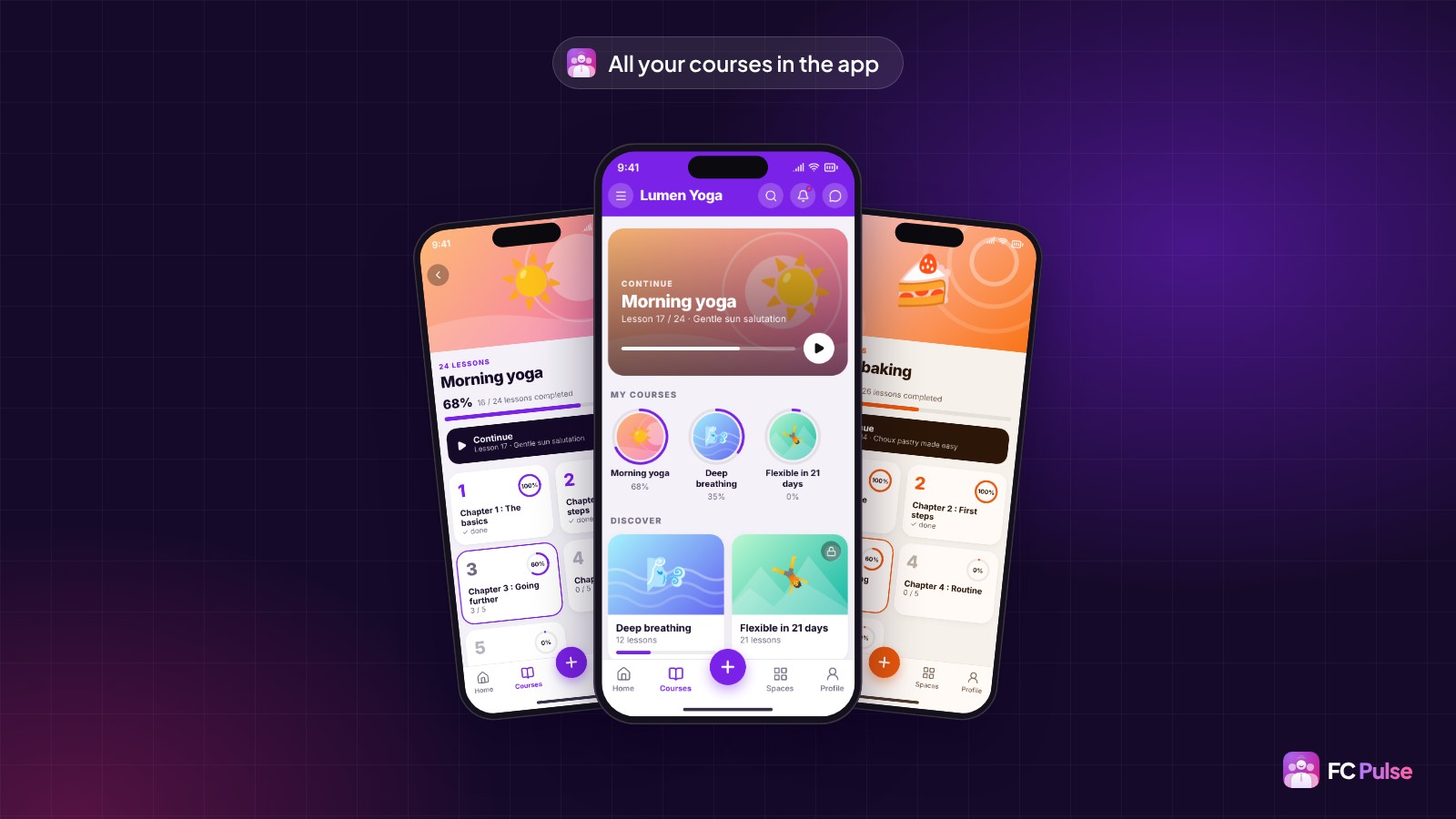
Your Fluent Community courses in the app, just as they are
FC Pulse reads the courses from your Fluent Community: chapters, lessons, access. You don’t recreate anything. In the app, your students find each course page, its chapters and the button to continue.
Every completed lesson is celebrated, with confetti, fireworks or stars. That small moment matters more than you might think: it makes them want to start the next one.
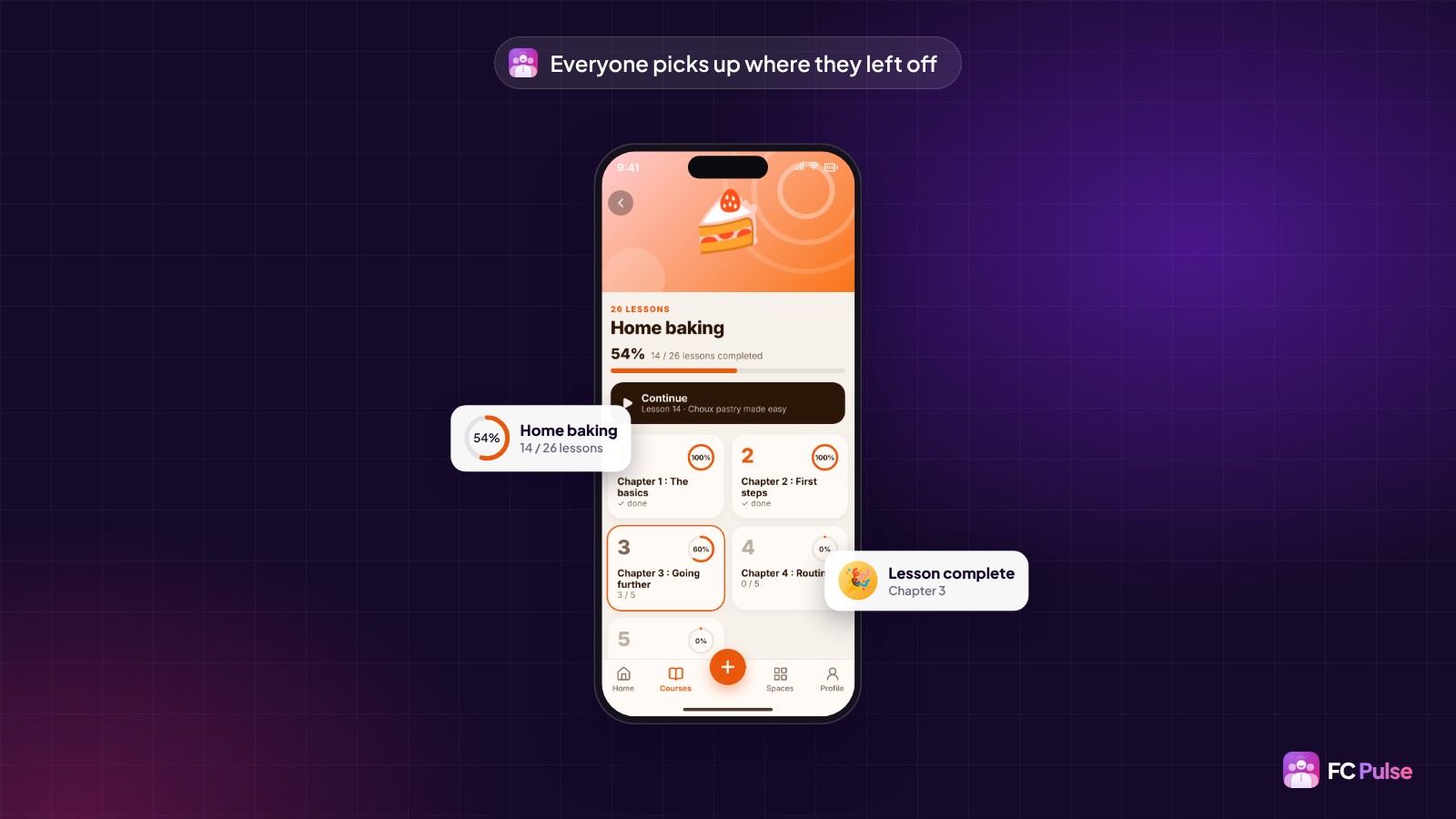
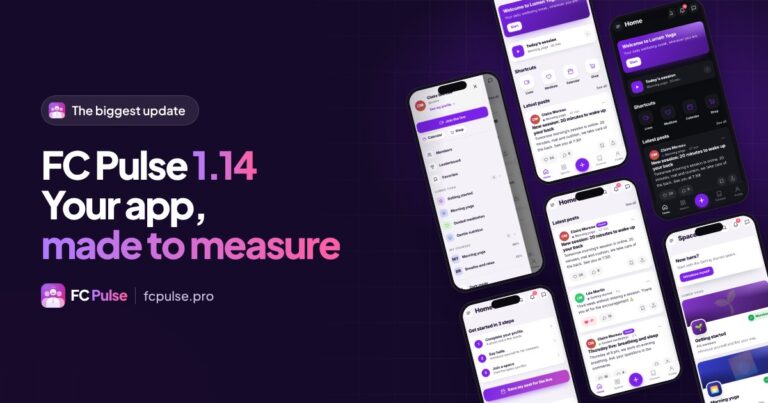
You also choose the course page template, and the app’s home page can highlight the current course thanks to the block builder.
Announce every new lesson
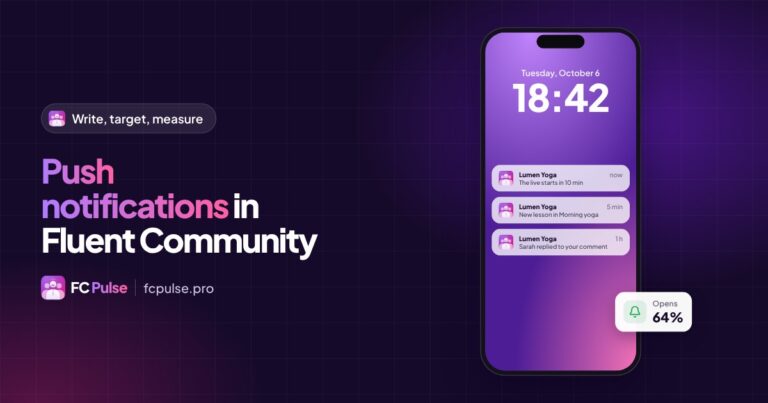
A published lesson can go out on its own as a push notification. One tap, and the student lands directly on the right lesson, in the app.
You can also write your own messages: a reminder before a live session, some encouragement for those who haven’t opened the course in a while, a send scheduled for Monday morning.
Certificates and badges: the end of the course gets shared
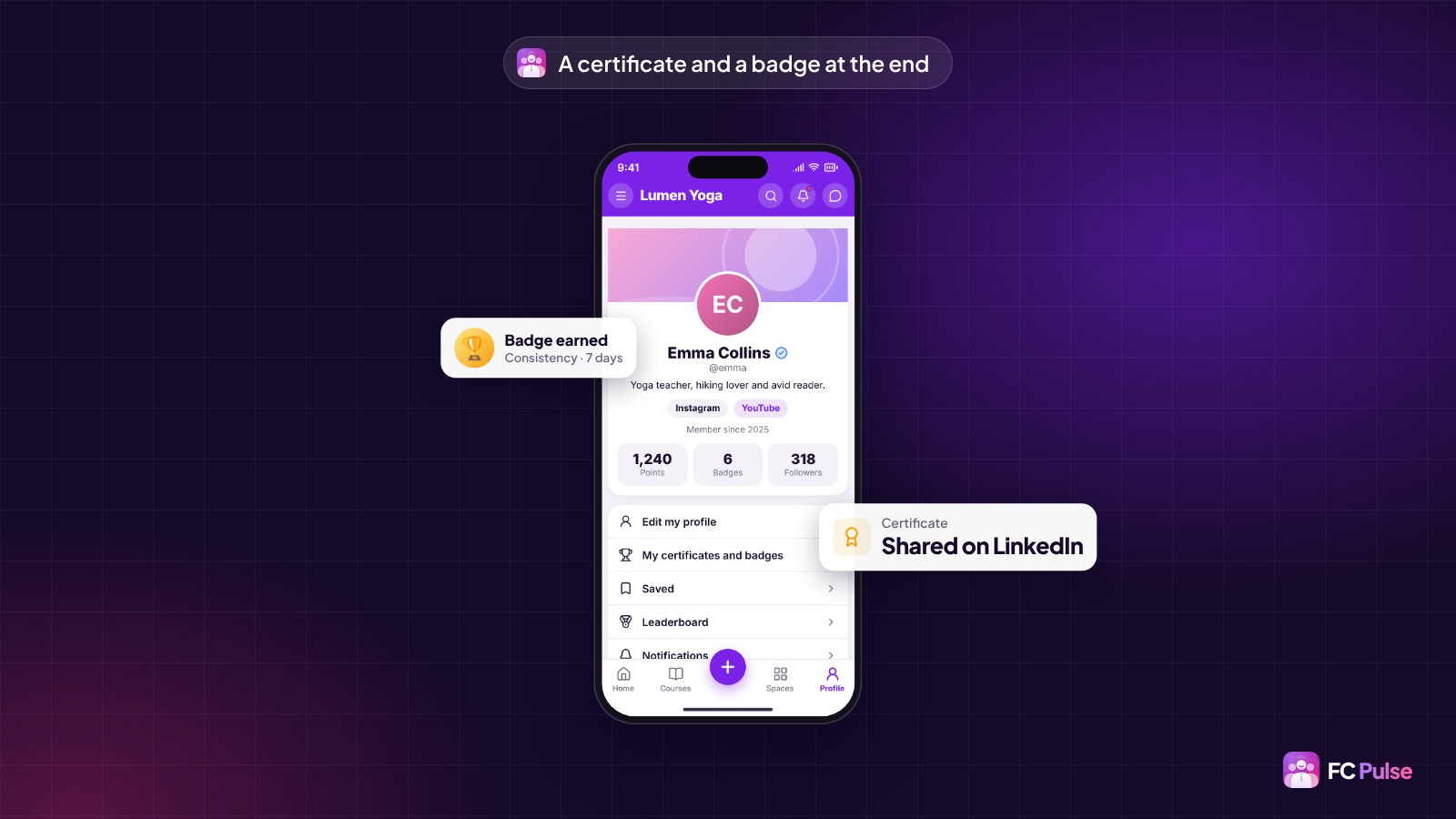
At the end of a course, the student receives a certificate and a badge. They can share them, or add them to their LinkedIn profile. Your course gets known through the people who finished it.
Create the app for your courses, step by step
- Install FC Pulse next to Fluent Community, with SdravoCore, its free foundation.
- Pick a template, a theme and your colors. Add your logo.
- Build the home page: current course, courses, spaces, videos.
- Turn on the app and invite your students to install it on their home screen.
For an app under your name on the App Store and Google Play, FC Pulse connects to Maymoune. Both come together in the 1 site + app Founder pack.
Founder offer
Your courses, in your students’ pockets
A lifetime license, at Founder pricing, for the launch period.
✓ Progress and lesson resume
✓ Confetti, certificate and LinkedIn badge
✓ A notification for every new lesson
✓ In your colors, no code
Read also: the mobile app for your community, create a mobile app with WordPress and the FAQ.
To follow what’s new in FC Pulse and talk with other users, join the FC Pulse community on Sdravobiz.
Frequently asked questions
Do I have to recreate my courses for the app?
No. FC Pulse reads the courses from your Fluent Community: chapters, lessons and access stay the same.
Do my students see their progress?
Yes. Each student sees their progress and picks up where they left off. A completed lesson is celebrated with confetti, fireworks or stars.
What does the student receive at the end of a course?
A certificate and a badge they can share, or add to their LinkedIn profile.
Can I let my students know about a new lesson?
Yes. An automatic notification goes out for every new lesson, and one tap opens the lesson in the app.
How much does FC Pulse cost?
FC Pulse comes with a lifetime license, no subscription, updates and support included. During the launch, the Founder offer brings its lowest price, for a limited time. Every plan is on the Founder pricing page.