
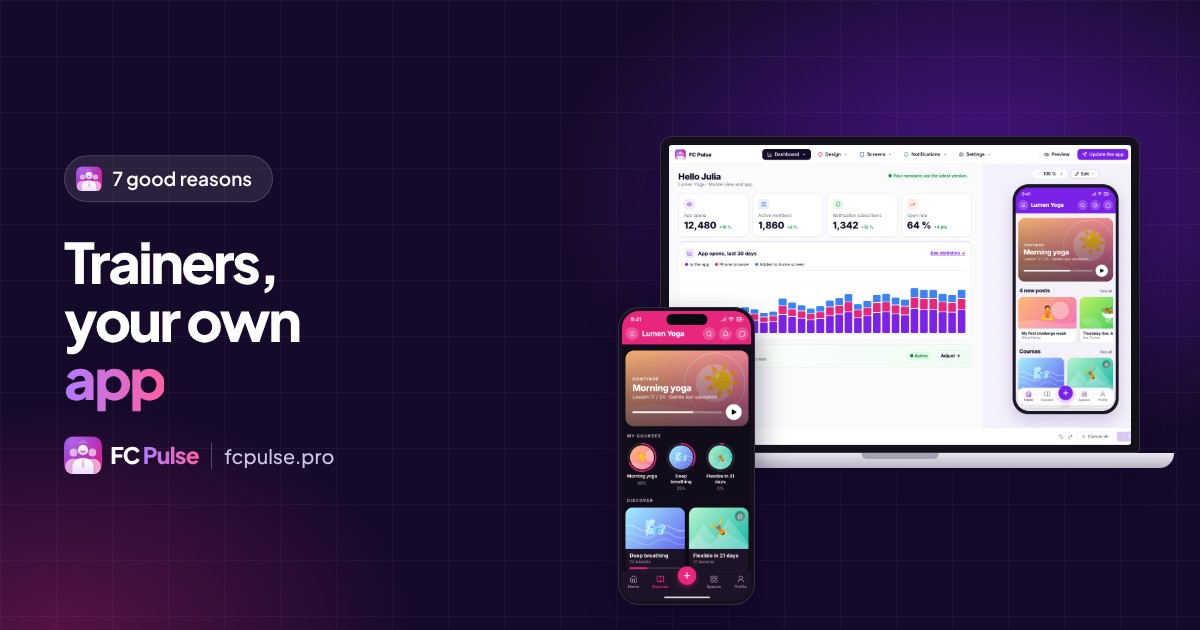
You have your courses, your students, your method. You might be missing one thing: being on their phone. Seven reasons to take the step.
A trainer sells time, attention and results. Their students always have a phone in hand.
An app under your name brings the two together. What it changes, concretely, fits in seven points.
Why create a mobile app as a trainer
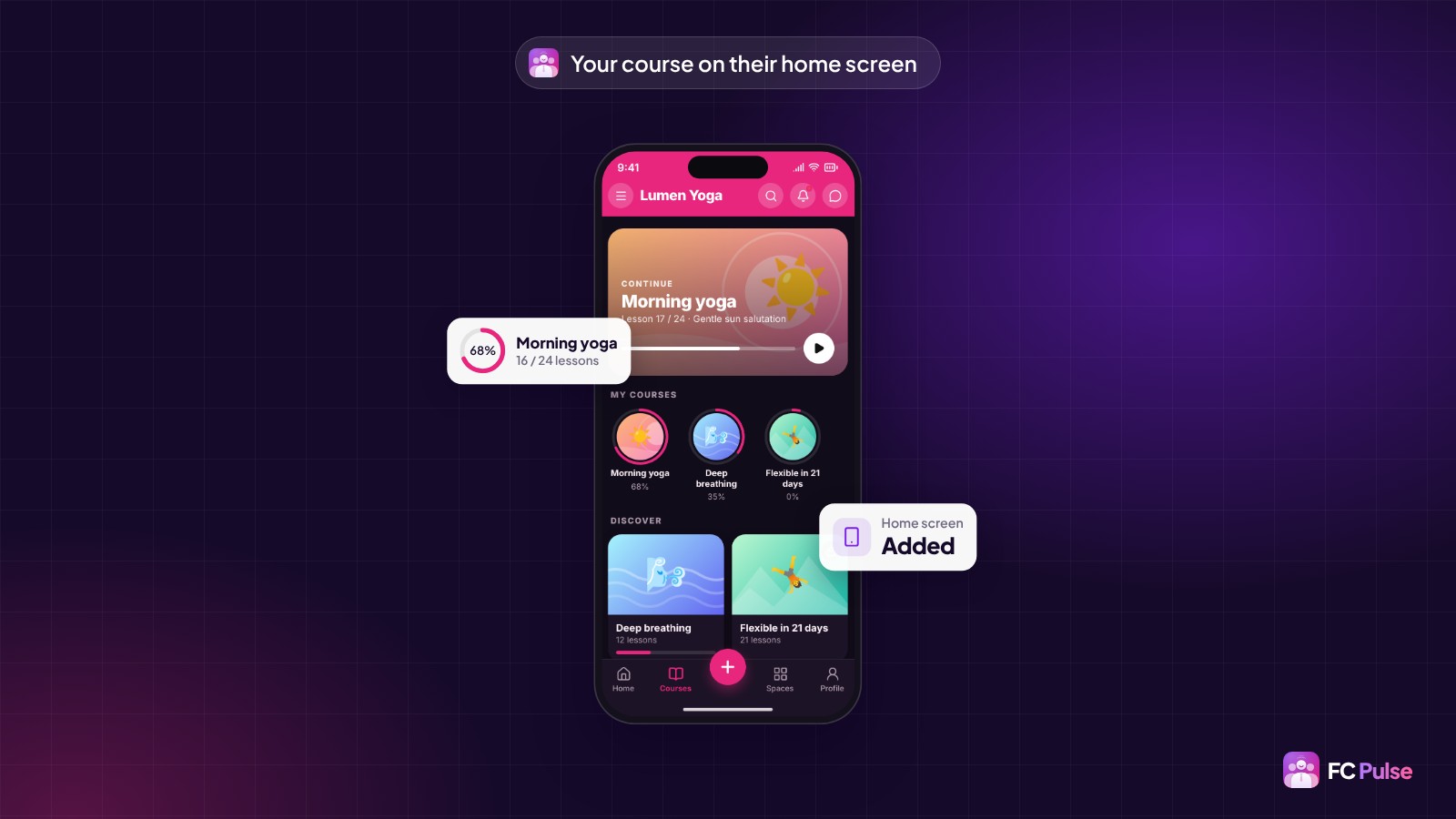
1. Your course is on their home screen
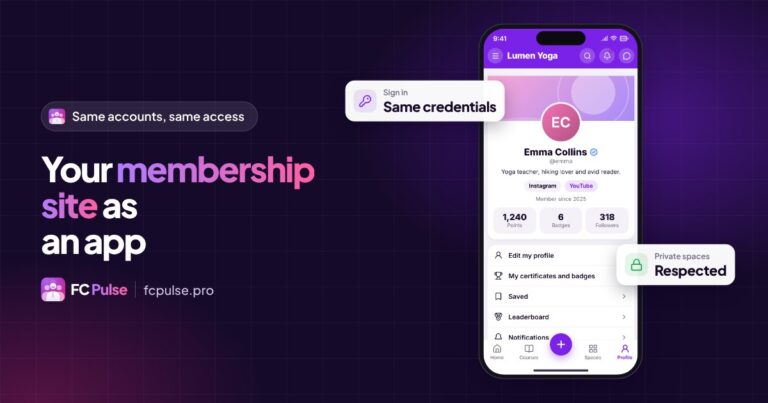
An icon in your image, between their messages and their calendar. The current course opens with one tap, no hunting for a link in their emails, no typing a password again.
2. Your students make it to the end
Each student sees their progress and picks up where they left off. Every completed lesson is celebrated with confetti, fireworks or stars. Motivation feeds on these small wins.
3. Your reminders get read
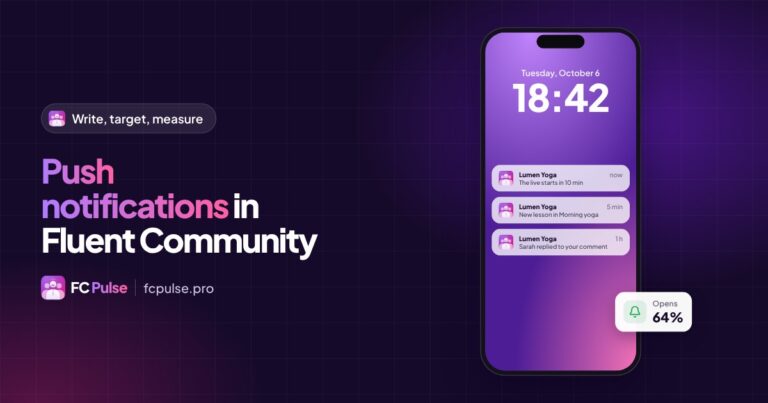
A new lesson, a live session starting, a Monday pep talk: a push notification lands on the phone, and one tap leads to the right place.
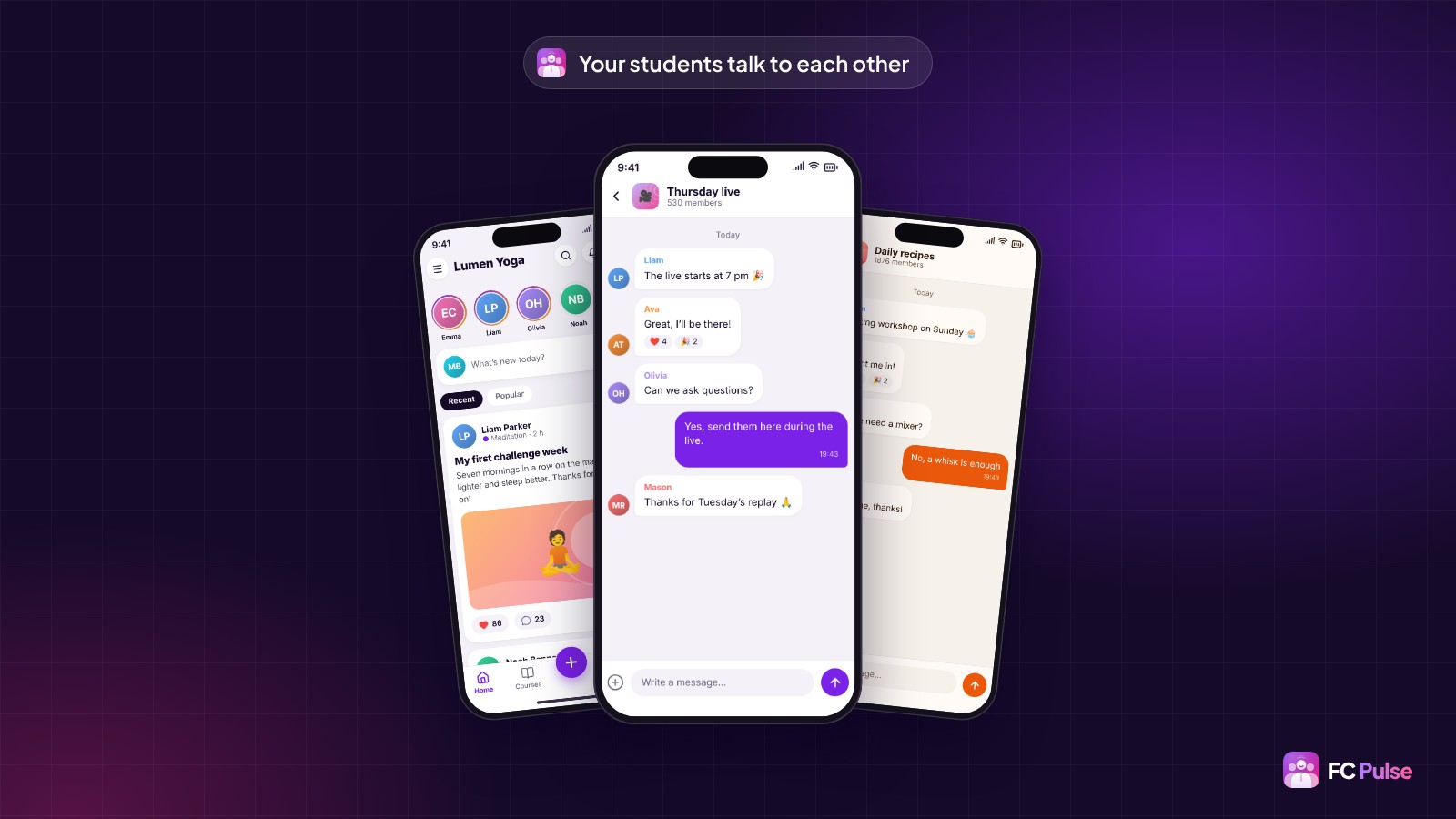
4. Your students learn together
Each space’s chat, private messages and the Activity feed turn your course into a class. People help each other, share their progress, ask their questions at the right time.
5. Your brand grows
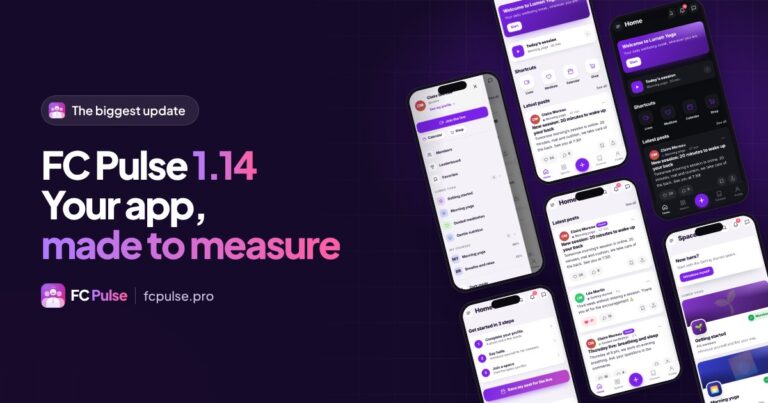
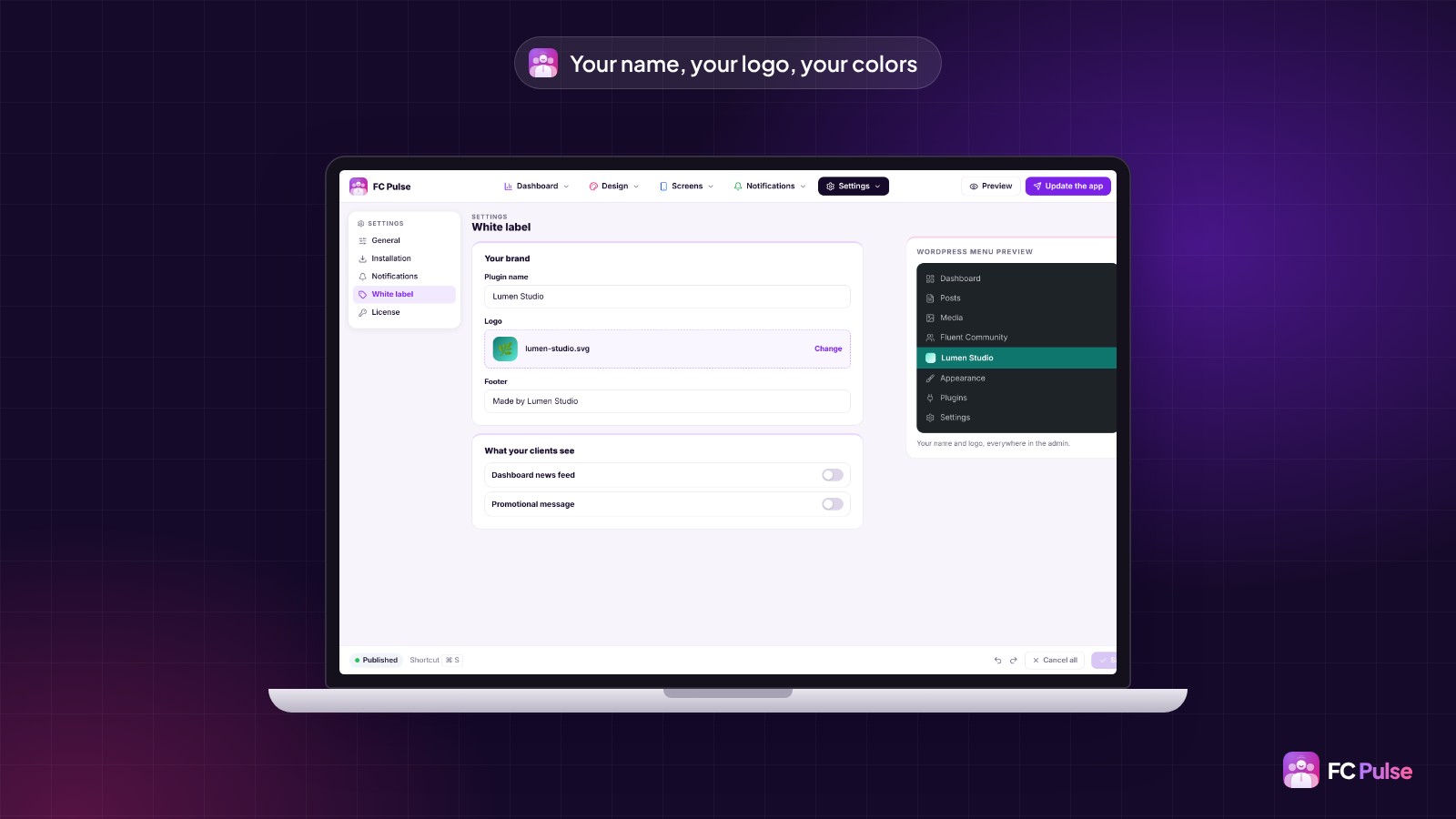
The app carries your logo, your colors and your community’s name. You pick a theme and a template, and you adjust each color. For an app on the App Store and Google Play, under your name, FC Pulse connects to Maymoune.
6. Your students become your ambassadors
At the end of a course, the student receives a certificate and a badge. They can share them or add them to their LinkedIn profile. Every completed course spreads the word about your work.
7. Your students and your data stay with you
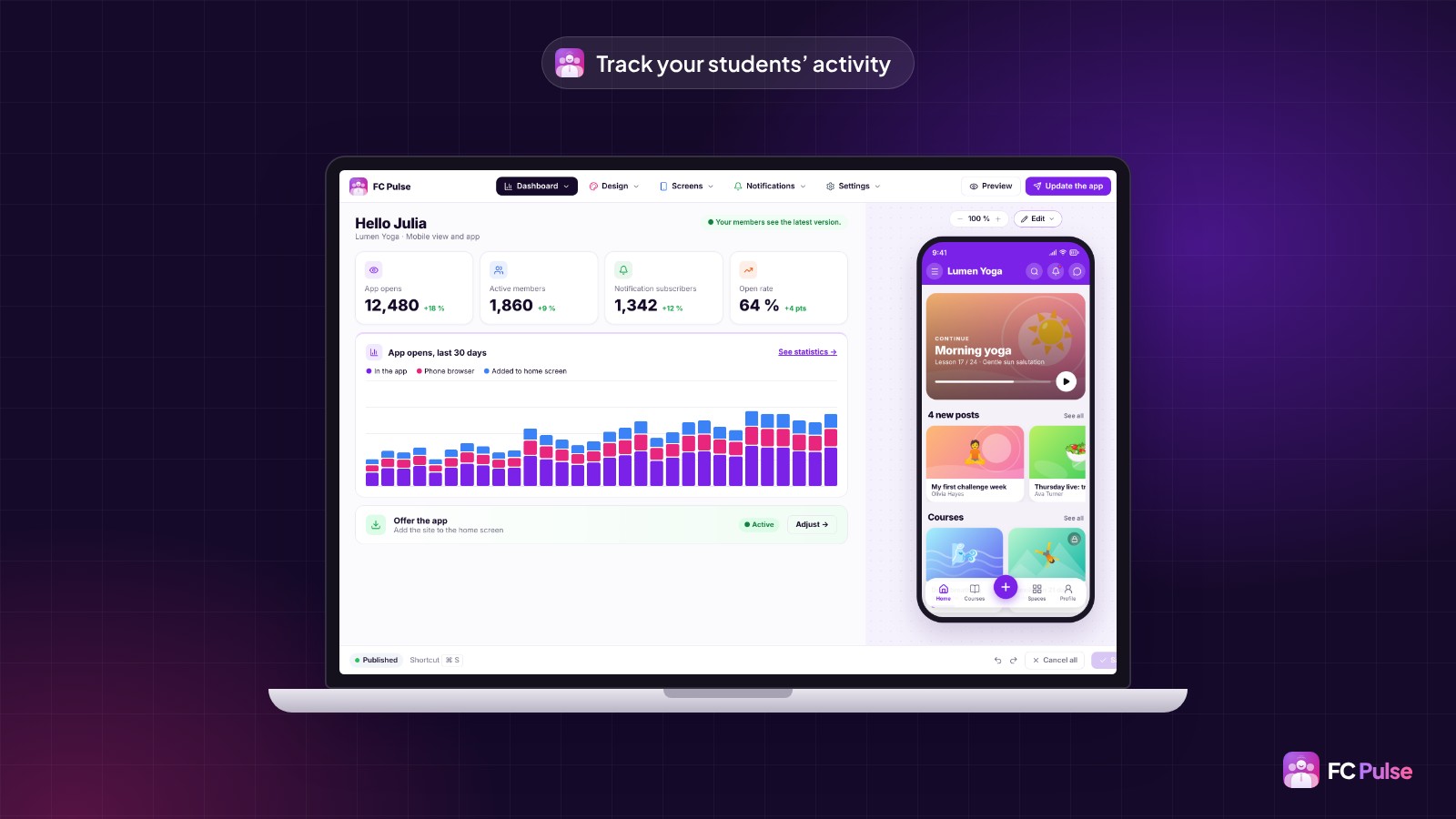
With Fluent Community and FC Pulse, everything runs on your WordPress, with your host. Your students, their conversations and their progress stay on your server. And the dashboard shows you how they use the app.
Create your trainer app, with no development project
If your courses are in Fluent Community, FC Pulse installs next to it in one minute, with SdravoCore, its free foundation. Your courses, spaces and students are kept just as they are. You set the look, you build the home page, you switch it on.
The first licenses are available at Founder pricing, as a lifetime license.
Founder offer
Your trainer app, under your name
A lifetime license, at Founder pricing, for the launch period.
✓ Progress, confetti and certificates
✓ Chat, messages and push notifications
✓ 8 templates, 11 themes, your colors
✓ Your students stay with you
Read also: create an app for your online courses, how much a community app costs and why I built FC Pulse.
To follow what’s new in FC Pulse and talk with other users, join the FC Pulse community on Sdravobiz.
Frequently asked questions
Do I need a lot of students to have an app?
No. An app helps from the very first group: it makes the course easier to follow and your reminders more visible. The FC Pulse license does not count your members.
Do my students have to go through an app store?
They don’t have to. They open your community at its usual address and can install it on their home screen. For an app in the stores, FC Pulse connects to Maymoune.
Can I use my name and logo?
Yes. The app carries your logo, your colors and your community’s name. White label, in the app and in the WordPress admin, is included in the 10-site and 25-site licenses.
Where is my students’ data stored?
On your site. FC Pulse runs on your WordPress, with your host.
How much does FC Pulse cost?
FC Pulse comes with a lifetime license, no subscription, updates and support included. During the launch, the Founder offer brings its lowest price, for a limited time. Every plan is on the Founder pricing page.